How to manage your presentation subscriptions on Pitch
Here is how to manage your presentation subscriptions on pitch
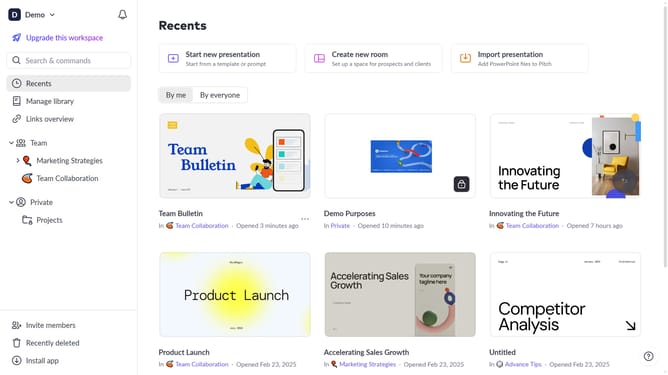
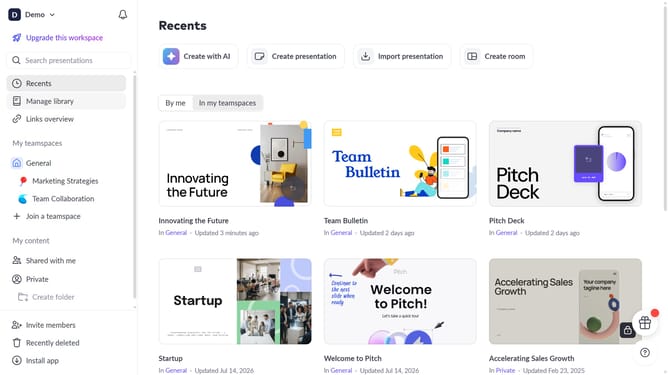
- First click on the dropdown next to your workspace name in the header
- Next, select "Account settings" in the expanded workspace menu
- Then, click on the arrow next to "Notifications"
- Click on the dropown under "Presentation subscriptions" to view the list of subscriptions
- Then, turn off the toggle next to any presentation you want to unsubscribe from
Why should you manage your presentation subscriptions on Pitch
Pitch is an innovative platform designed to transform the way you create and collaborate on presentations.
Managing your presentation subscriptions on Pitch is simple and efficient, empowering you to effortlessly tailor your work environment. With this feature, you have the flexibility to adjust based on your changing needs and preferences.
Enhance collaboration by easily sharing access with team members or scaling your subscription to accommodate growing aspirations. Managing subscriptions optimizes costs, ensuring you're always utilizing resources to their fullest potential.
Last update