How to use AI to expand an image in landscape mode on Pitch
Here is how to use ai to expand an image in landscape mode on pitch
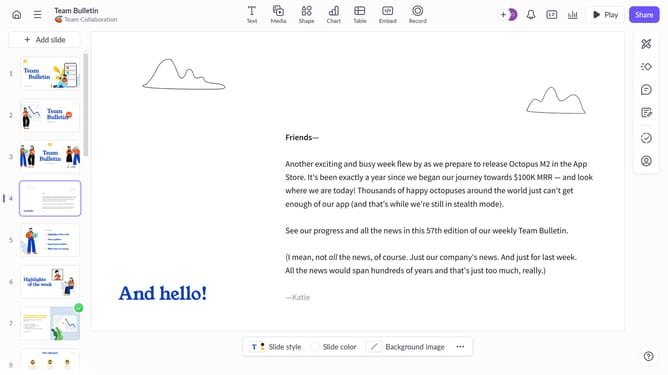
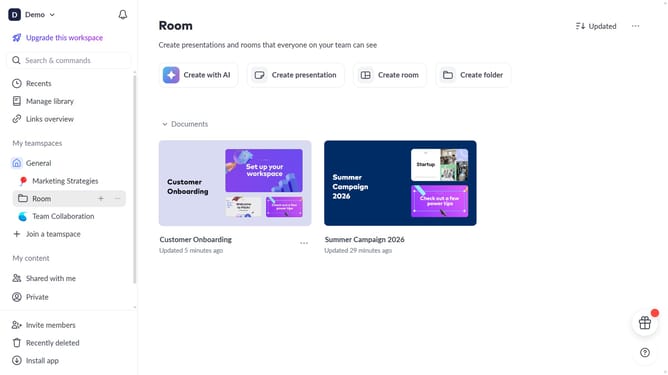
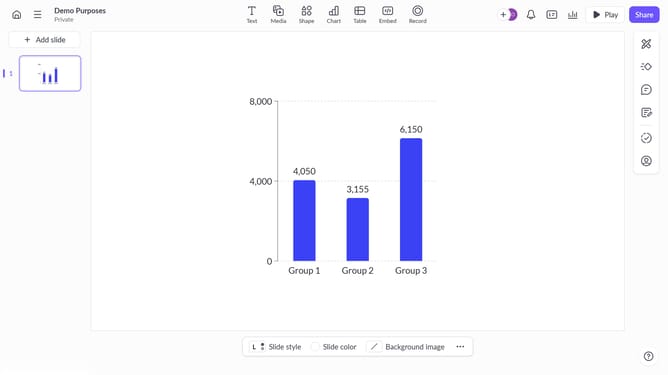
- First, open the presentation containing the image you want to edit
- Select the slide containing the image from the left sidebar
- Next, click on the image to select it
- After that, click on "Edit with AI" in the toolbar that appears
- Then, select "Expand image" from the AI actions menu
- Finally, select the "landscape (16:9)" option
Why should you use AI to expand an image in landscape mode on Pitch
Pitch is a dynamic platform designed for creating visually compelling presentations effortlessly.
By embracing AI technology, expanding an image in landscape mode within Pitch becomes a seamless task. This feature enhances creativity by providing you with the ability to seamlessly enlarge images, thus adapting them perfectly to your presentation's aesthetic needs.
Using AI to expand images not only saves time but also ensures a consistent and professional look throughout your presentation, making it more engaging and visually appealing to your audience.
Last update