How to paste an image or GIF from the clipboard on Pitch.com
Here is how to paste an image or gif from the clipboard on pitch.com
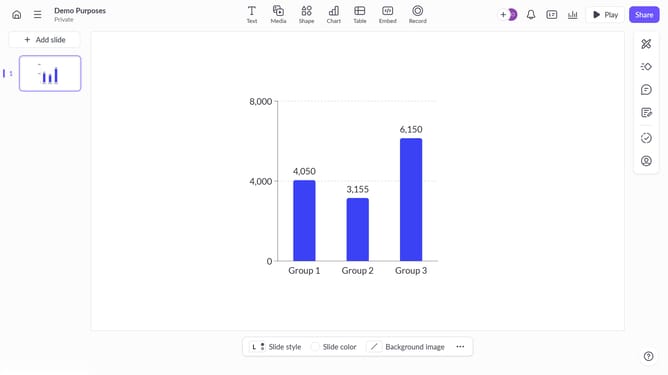
- First, open your presentation and navigate to the slide where you want to add the image or GIF
- Then, copy the image or GIF from the source (e.g., website) by pressing Command + C (or Ctrl + C on Windows) next, press Command + V (or Ctrl + V on Windows) to paste the image onto your slide
- The image or GIF will appear on your slide, successfully added
- Finally, place the image by drag and drop it where you want on the slide
Why should you paste an image or GIF from the clipboard on Pitch.com
Pitch is a collaborative presentation platform designed to transform ideas into stunning visual stories.
The ability to paste an image or GIF directly from the clipboard on Pitch.com enhances the fluidity of your creative process. This feature negates the need for cumbersome downloads and saves valuable time, ensuring you focus on your presentation's essence.
Integrating visuals with just a simple paste fosters a seamless working experience, enabling quick content adjustments and increased collaboration within teams. Elevate your presentations with ease, ensuring every slide captures attention effortlessly.
Last update