How to share a template using its link on Pitch
Here is how to share a template using its link on pitch
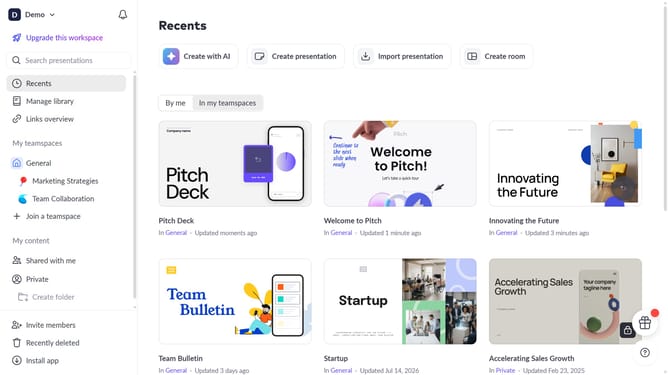
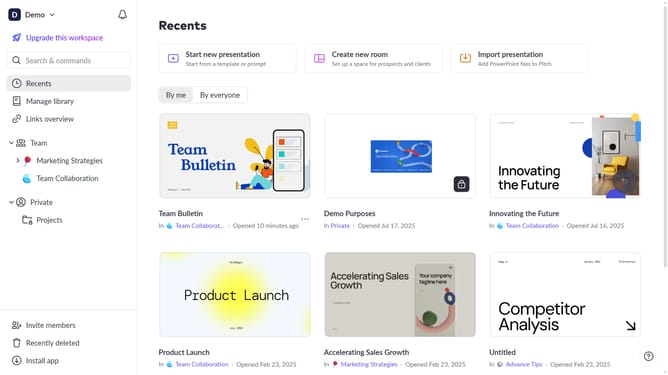
- First click on the "Manage library" from the dashboard
- Next, click on "Templates" in the sidebar
- Locate the template whose link you want to copy
- Then hover over the template and click the "Options" button (three dots)
- Finally select "Copy link" from the dropdown menu
Why should you share a template using its link on Pitch
Pitch reinvents presentation creation by offering a seamless platform for design and collaboration.
The ability to share a template using its direct link on Pitch empowers teams with unmatched convenience.
By sharing a link, you effortlessly allow others to access, view, and duplicate templates, fostering creativity and consistency.
This feature is perfect for teams who need to maintain brand alignment and streamline content creation without the hassle of email attachments or version control.
Last update