How to convert a presentation into a template on Pitch
Here is how to convert a presentation into a template on pitch
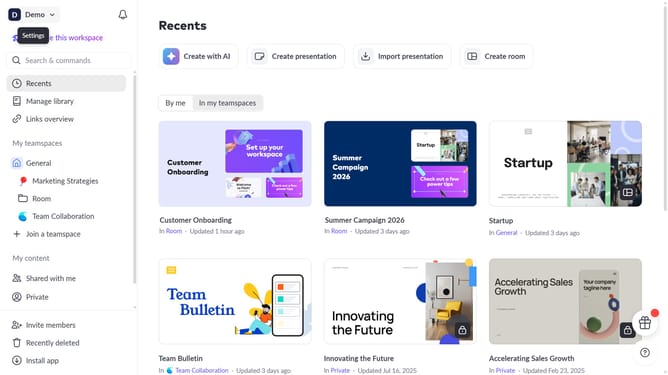
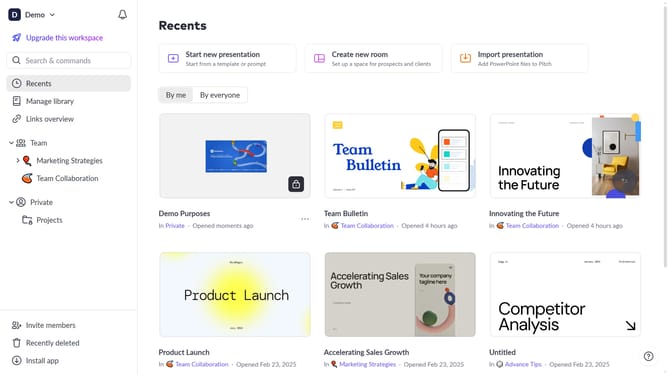
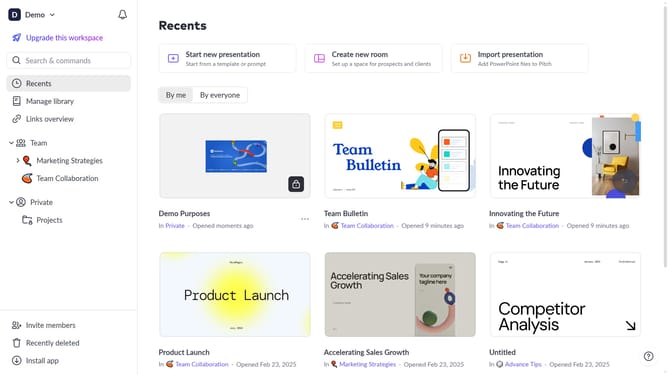
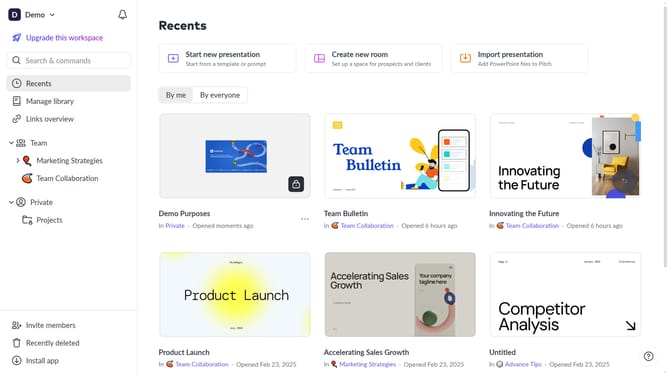
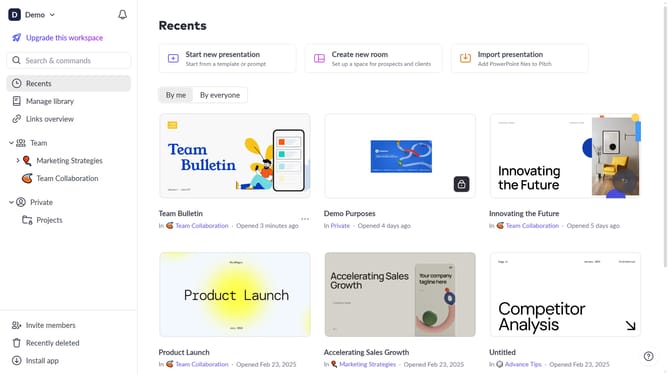
- First locate the presentation you want to convert into a template
- Hover over the template and click the "Options" button (three dots)
- Next, select "Convert to template" from the dropdown menu
- Then, enter a name for the template
- Finally, click on the "Convert to template" button
- The presentation has been successfully converted into a template
Why should you convert a presentation into a template on Pitch
Pitch is a dynamic platform designed to revolutionize how teams craft and share inspiring presentations.
Converting a presentation into a template on Pitch streamlines your workflow by offering a reusable framework that saves time and ensures consistency in future projects.
This seamless feature supports creativity by allowing you to focus on your presentation's unique elements without needing to start from scratch each time.
Leveraging this feature not only boosts productivity but also upholds brand integrity across all your presentations.
Last update