How to remove a slide transition in Pitch
Here is how to remove a slide transition in pitch
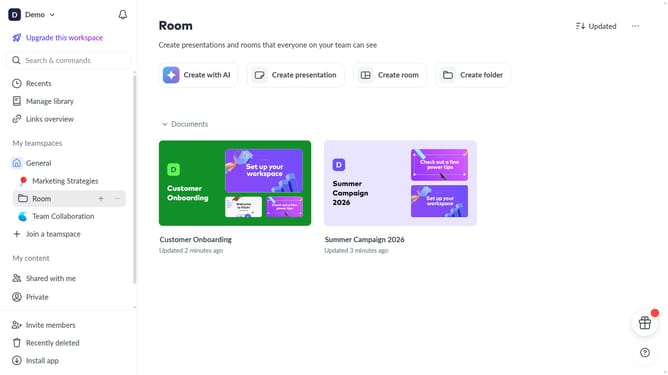
- First click the presentation that contains the slide you want to edit
- Then click the slide with the transition you want to remove
- Next click on the "Animate" button in the top-right toolbar
- Finally click "None" in the slide transition panel to remove the transition from the slide
Why should you remove a slide transition in Pitch
Pitch is a collaborative presentation software designed to make stunning presentations effortless.
Removing a slide transition in Pitch can enhance the clarity and focus of your presentation. Simplifying transitions removes distractions, allowing your audience to concentrate on the content of each slide.
By eliminating unnecessary animations, your presentations become more professional and direct. This streamlining guarantees that your message remains the focal point, effectively engaging your audience throughout your presentation.
Last update