How to duplicate a chart in Pitch
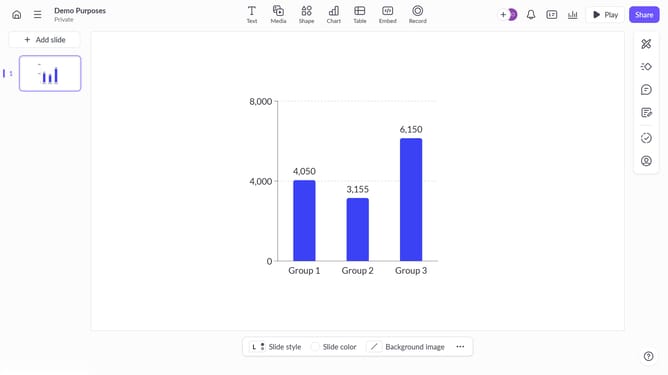
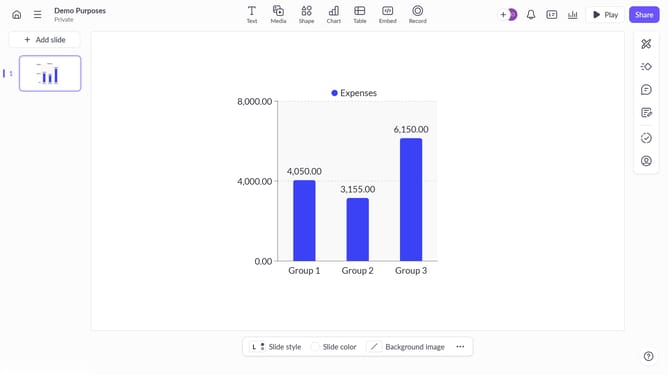
Here is how to duplicate a chart in pitch
- First click the presentation that contains the chart you want to duplicate
- Then right click the chart to select it
- Finally click the "Duplicate" option in the context menu to create a copy of the chart
Why should you duplicate a chart in Pitch
Pitch is a powerful, collaborative platform designed to create stunning presentations effortlessly.
One standout feature in Pitch is the ability to duplicate charts seamlessly.
Duplicating charts allows users to maintain consistency across different slides, saving time and ensuring accuracy.
This feature is particularly beneficial for teams needing to present data in varied formats and for comparing different datasets without starting from scratch.
Last update