How to add a hyperlink on Pitch.com
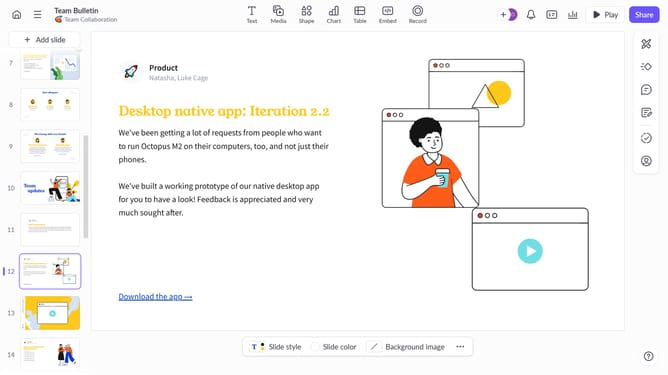
Here is how to add a hyperlink on pitch.com
- First, select the text or object that you want to add the hyperlink to
- Then highlight the text and click on the "Link" icon in the toolbar
- Next enter the URL you want to link to, in the URL field
- After entering the URL, the highlighted text will transform into a link
- Now, when you click the text, it will take you to the linked URL.
Why should you add a hyperlink on Pitch.com
Pitch.com is an innovative platform designed to create visually compelling presentations with ease.
One of its standout features is the ability to seamlessly add hyperlinks to your slides, enhancing the interactivity and depth of your presentations.
Incorporating hyperlinks is a simple process that allows you to connect your audience directly to additional resources or related information, making your presentation more dynamic and informative.
Utilizing hyperlinks enriches the audience's experience and can lead to a more engaging and impactful communication.
Last update