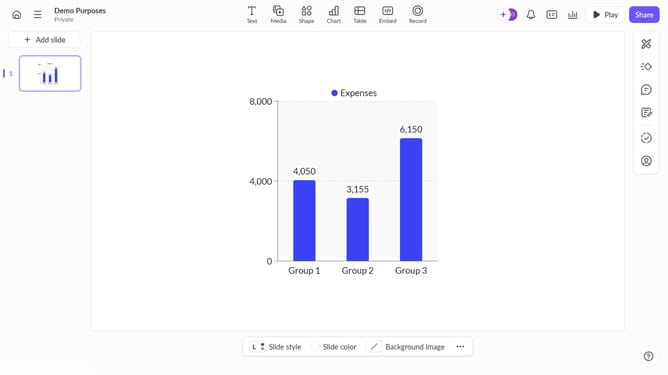
How to move a chart backward in slide layers in Pitch
Here is how to move a chart backward in slide layers in pitch
- First right-click the chart to open the context menu
- Next hover over the "Order" option in the menu
- Finally click "Send backward" to move the chart behind other elements
Why should you move a chart backward in slide layers in Pitch
Pitch is a modern presentation platform designed to make collaboration and design effortless.
In Pitch, adjusting the layering of charts within your slide can be incredibly beneficial to enhance the clarity and appeal of your presentation. By moving a chart backward in the slide layers, you allow other important elements, such as text or images, to take center stage, effectively focusing the audience's attention where it matters most.
Utilizing layer adjustments ensures your presentation is not only visually balanced but conveys information in a more impactful manner. This feature helps maintain a visually dynamic slide without compromising on content structure.
Last update