How to change the currency type of the chart in Pitch
Here is how to change the currency type of the chart in pitch
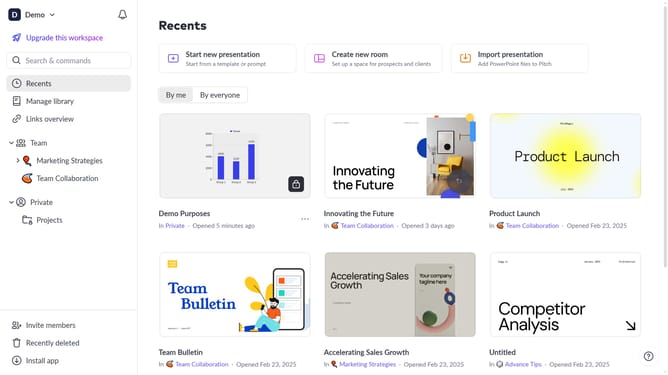
- First click the presentation that contains the chart you want to edit
- Then click the chart to begin editing
- Next click on the "Edit data" button in the chart toolbar
- Then click on the "Format" dropdown in the edit data panel
- Next click the "Currency" dropdown menu
- Then select your preferred currency type from the list
- Finally click on "Done" button to apply the changes
Why should you change the currency type of the chart in Pitch
Pitch is an intuitive platform designed to revolutionize the way teams create and share presentations with ease and creativity.
A standout feature of Pitch is its ability to adjust the currency type within charts. This functionality allows users to swiftly align financial data with different international standards, enhancing outreach and communication across global teams.
By customizing currency types, you ensure accuracy and relevance when presenting financial data to diverse audiences, promoting understanding and engagement. This feature not only streamlines workflows but also strengthens the impact of presentations.
Last update