How to create a stacked column chart in Pitch
Here is how to create a stacked column chart in pitch
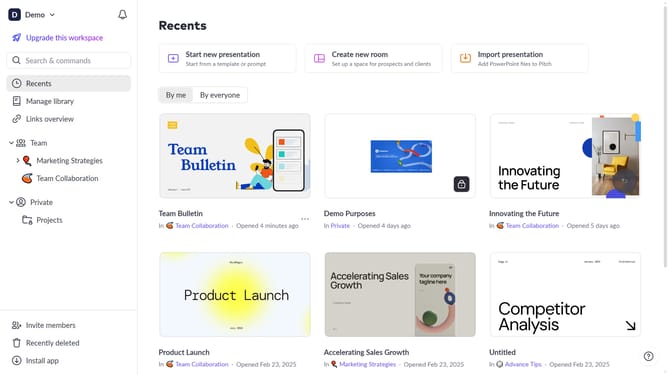
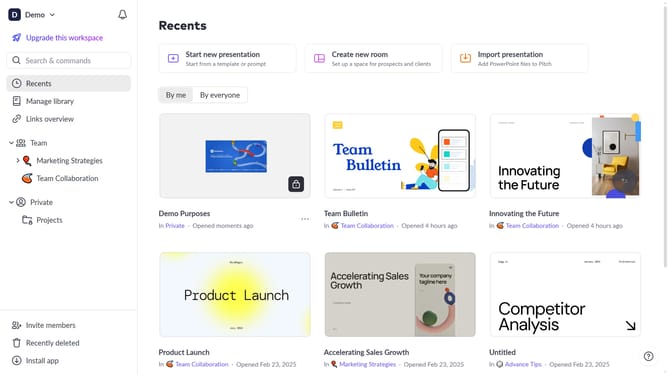
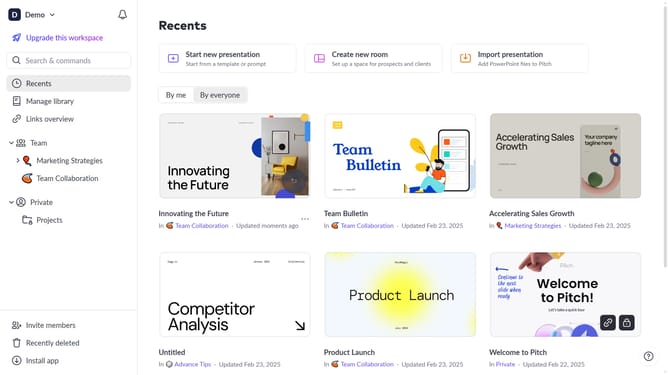
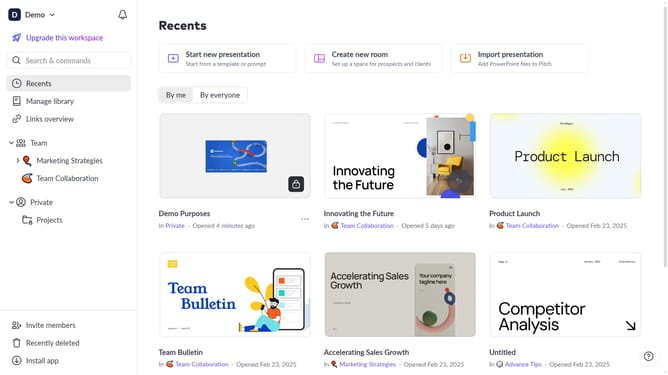
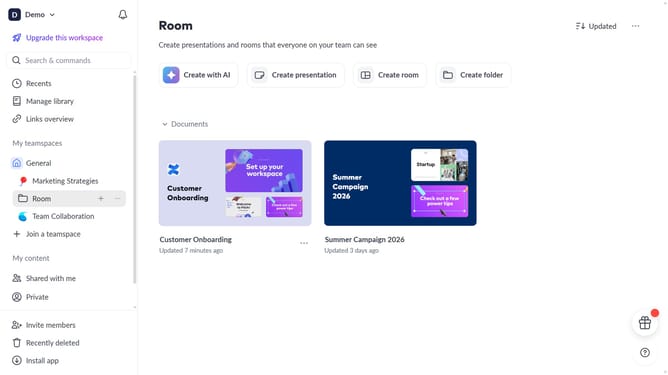
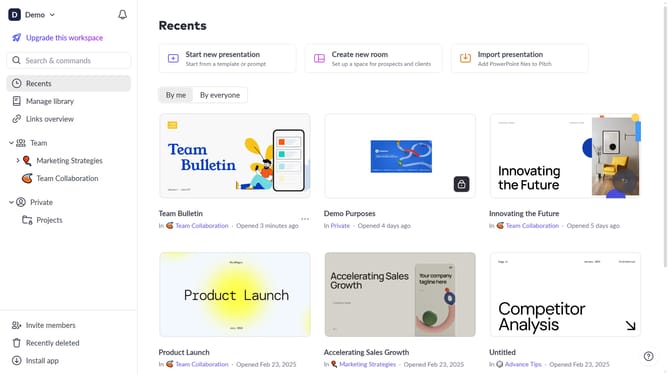
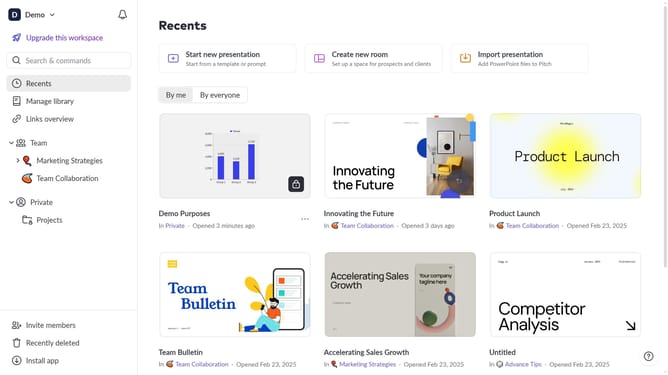
- First click the presentation you want to open
- Then click on the "Chart" icon in the top toolbar
- Next select the stacked column chart type from the "Column & bar charts" section
- Finally customize the chart's colors, labels, and layout as needed
Why should you create a stacked column chart in Pitch
Pitch is an intuitive platform designed to transform how teams create and share presentations.
With Pitch, crafting a stacked column chart is a breeze, enabling you to visualize data effectively. This feature allows users to layer data series in one column, making it simple to compare different datasets in a single chart.
Using this type of chart aids in telling a comprehensive story about your data. It's particularly useful for illustrating part-to-whole relationships over time or across categories.
Ultimately, integrating a stacked column chart in your presentation enhances clarity and engagement, allowing for a more impactful delivery.
Last update