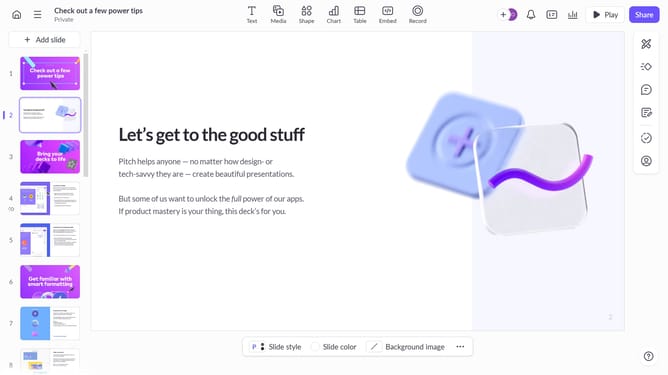
How to delete a company logo from a room in Pitch
Here is how to delete a company logo from a room in pitch
- First, open the room you want to edit
- Next, locate the Company logo section
- Then, click on the existing company logo
- Finally, select the "Remove" option
Why should you delete a company logo from a room in Pitch
Pitch is an innovative platform designed to streamline presentation creation and collaboration.
One of Pitch's standout features is the ability to easily remove a company logo from any room. This feature enhances flexibility, allowing teams to effectively tailor their presentations to the specific needs of different audiences.
By removing the logo, presenters can maintain a minimalist aesthetic, focusing attention on the content rather than branding elements, leading to cleaner, more focused communication.
Last update