How to hyperlink images on Pitch.com
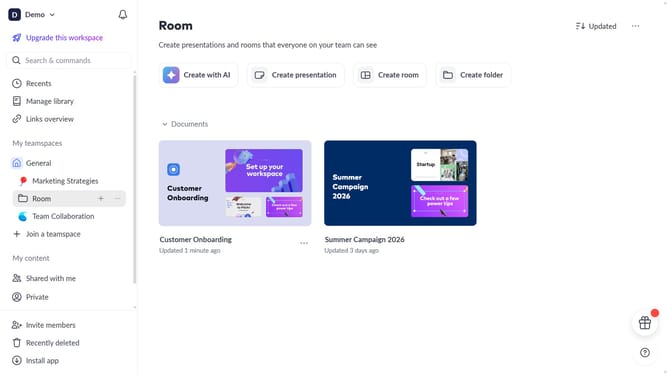
Here is how to hyperlink images on pitch.com
- First, navigate to the slide containing the image you want to hyperlink
- Then, select the image and click "More options" (three dots) to open the design panel
- Scroll down to find the "Link" section
- Next, enter the URL in the link field
- Now, when you hover over the image in the editor, a link preview will appear, and clicking it will open the URL in a new tab
Why should you hyperlink images on Pitch.com
Pitch is an intuitive platform designed to streamline your presentation creation process.
By hyperlinking images on Pitch.com, you can enrich your presentations with interactive elements, guiding your audience seamlessly to additional resources or detailed information. This feature empowers you to transform static visuals into dynamic links that enhance the viewer's experience and engagement.
Integrating hyperlinks within images simplifies complex data sharing and makes your presentations more compelling and persuasive. It turns passive visuals into active storytelling tools, boosting the overall impact of your content.
Last update