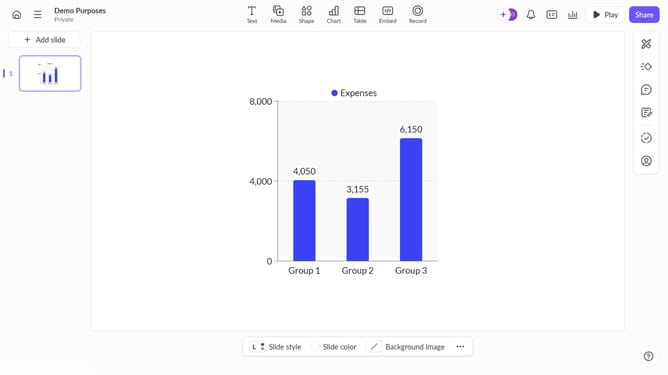
How to create a multi-line chart with points in Pitch
Here is how to create a multi-line chart with points in pitch
- First click the presentation you want to add a chart
- Then click on the "Chart" icon in the top toolbar
- Next select the multi-line chart with points type from the "Column & bar charts" section
- Finally customize the chart's colors, labels, and layout as needed
Why should you create a multi-line chart with points in Pitch
Pitch is a dynamic platform designed to simplify and enhance the way you create presentations.
One standout feature in Pitch is the ability to craft multi-line charts with points. This feature allows you to seamlessly display multiple data series within a single chart, providing a clear, comparative view of your data.
Using this feature in Pitch highlights trends and patterns across various data sets, making it easier to convey complex information in an accessible manner. It enriches your presentation, enabling your audience to grasp insights quickly and efficiently.
Last update