How to filter workspace members in Pitch
Here is how to filter workspace members in pitch
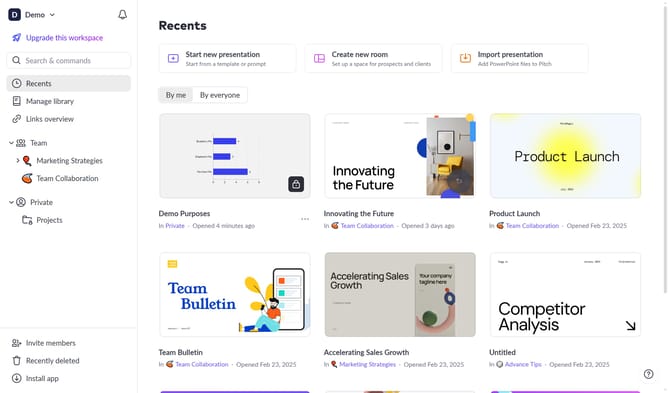
- First click on the downwards arrow next to your workspace name in the header
- Next, click on the "Members" option
- Click on the "Role" filter above the workspace members list
- Then select the role you want to filter by from the dropdown menu
Why should you filter workspace members in Pitch
Pitch is a collaborative presentation platform designed to boost creativity and teamwork.
One of the standout features in Pitch is the ability to filter workspace members effortlessly. This function makes navigation within teams smooth by allowing users to identify specific individuals or groups quickly.
By using the filter feature, team leaders can efficiently manage tasks and collaborate more effectively. It ensures no one is left out of important updates, enhancing productivity and streamlining communication across projects.
Last update