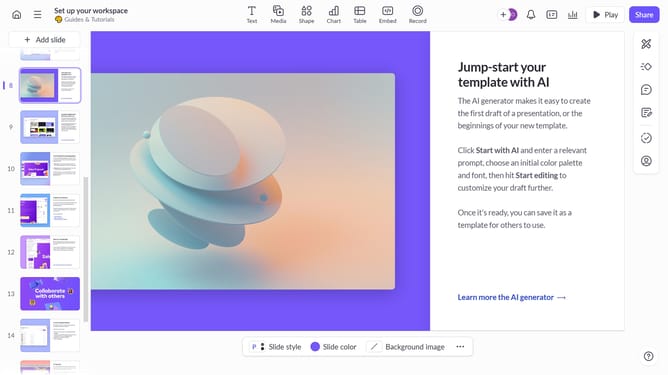
How to align text to the left in Pitch
Here is how to align text to the left in pitch
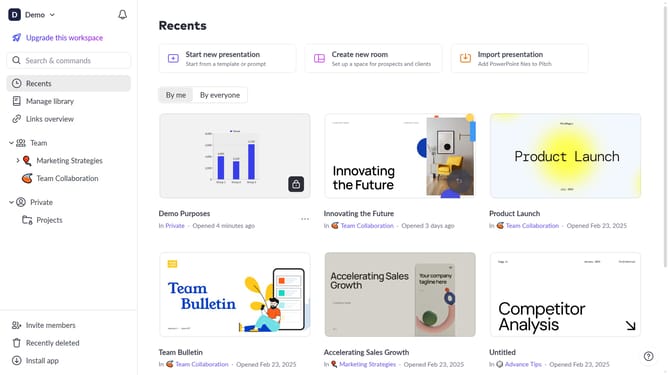
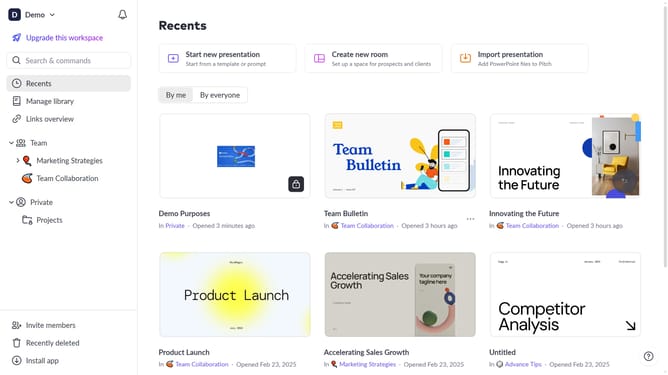
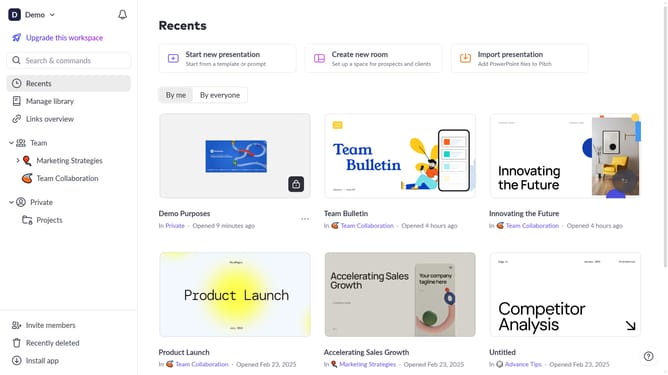
- First, open the presentation containing the text you want to edit
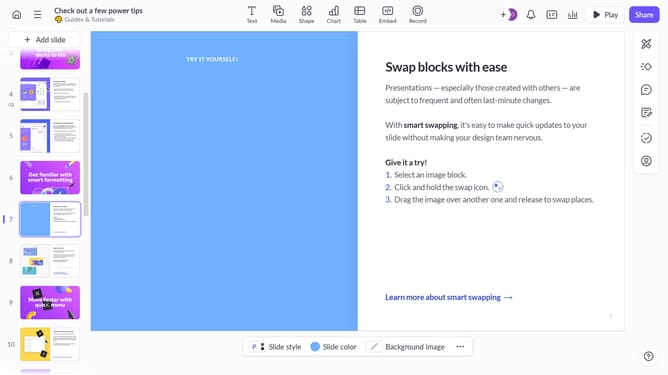
- From the left sidebar, select the slide containing the text
- Next, click on the text block to select it
- Click on the "More options" button in the toolbar that appears
- Locate the "Text alignment" option in the right sidebar
- Then, select the "Align left" option
Why should you align text to the left in Pitch
Pitch is a dynamic presentation software designed to transform your ideas into stunning visual stories.
Aligning text to the left in Pitch is a straightforward feature that enhances the readability of your slides. By doing so, you create a clean and professional look, particularly effective for left-to-right languages.
This alignment option is ideal for ensuring consistency across presentations, allowing for clean lines and structured content. It helps the audience easily follow your message, making your presentation more impactful and engaging.
Last update