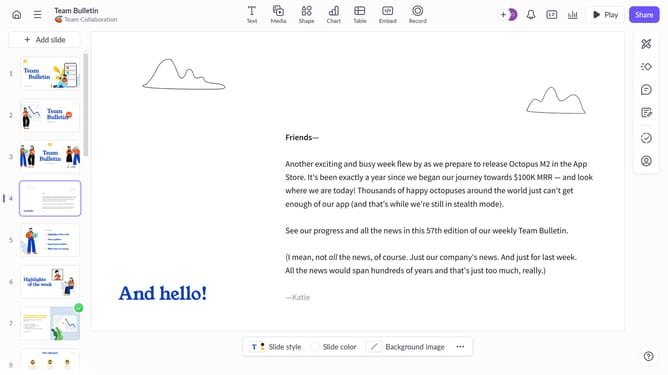
How to apply the Slide up transition to a slide in Pitch
Here is how to apply the slide up transition to a slide in pitch
- First, click the presentation that contains the slide you want to add a transition to
- Next, click the slide from the left sidebar to select it
- Click on the "Animate" button on the right sidebar
- Then select the "Slide up" option in the Slide transition panel
Why should you apply the Slide up transition to a slide in Pitch
Pitch is an innovative platform designed to revolutionize how teams create and share presentations.
One of its standout features is the Slide up transition, adding a touch of elegance and smoothness to your slides.
This feature not only enhances visual appeal but subtly guides your audience's focus upwards, maintaining engagement and ensuring a seamless presentation flow.
Incorporating the Slide up transition can transform an ordinary presentation into an impactful and dynamic experience.
Last update