How to export your workspace members in Pitch
Here is how to export your workspace members in pitch
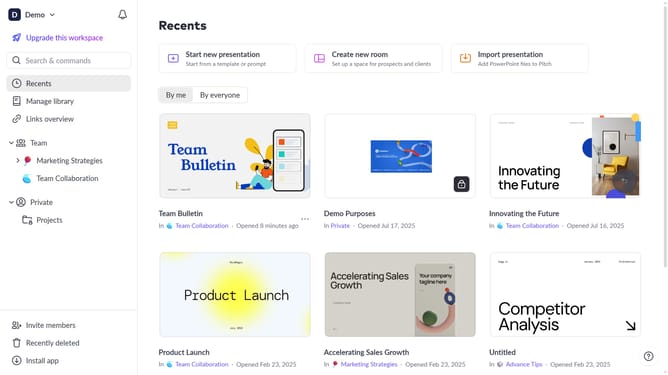
- First click on the downwards arrow next to your workspace name in the header
- Next, click on the "Members" option in the expanded workspace menu
- Then click on the "Export" button next to the "Role" filter
Why should you export your workspace members in Pitch
Pitch is a collaborative presentation tool designed to foster creativity and teamwork seamlessly.
The feature to export your workspace members in Pitch ensures that you maintain a comprehensive overview of your team. This feature is indispensable for managers and team leaders who need to coordinate team activities efficiently.
By exporting workspace members, you gain quick access to membership data, which supports better planning and communication across projects. This capability enhances project management and ensures smooth transitions whenever teams are restructured.
Last update