How to reset all chart settings in Pitch
Here is how to reset all chart settings in pitch
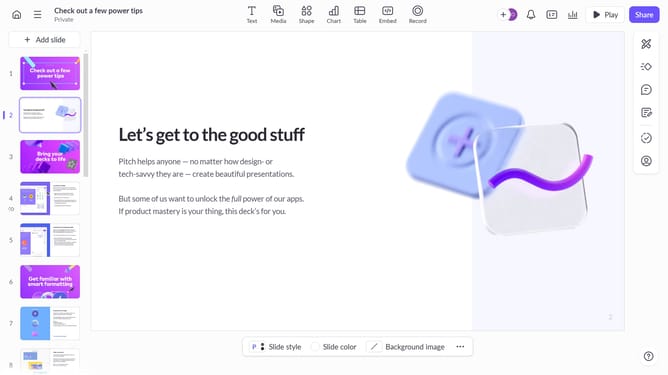
- First click the chart to select it
- Next click on the "More options" button in the chart toolbar
- Finally scroll down and click the "Reset all changes" button to restore default chart settings
Why should you reset all chart settings in Pitch
Pitch is a dynamic presentation software designed to enhance collaboration and creativity.
Resetting all chart settings in Pitch is a feature that simplifies restoring your presentations to their original state. It ensures that any modifications made can be quickly reverted, providing a fresh start without hassle.
This is particularly beneficial during collaborative work or when multiple edits have made the chart complex, allowing you to re-align your team's vision effortlessly.
The ease and speed of resetting enable you to maintain focus on innovation and efficiency, fostering a productive work environment.
Last update