How to disable email notifications when someone assigns a slide to you on Pitch
Here is how to disable email notifications when someone assigns a slide to you on pitch
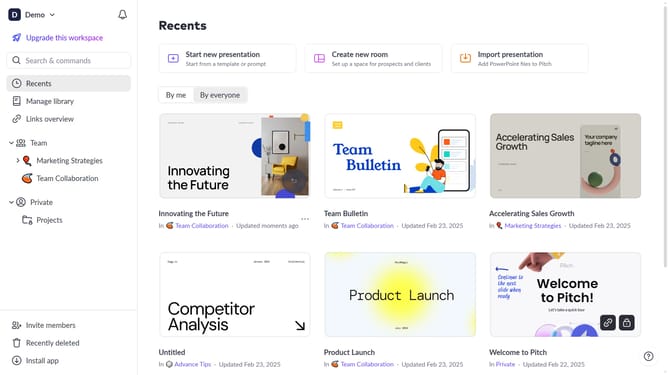
- First click on the dropdown next to your workspace name in the header
- Next, select "Account settings" in the expanded workspace menu
- Then, click on the arrow next to "Email preferences"
- Finally, turn off the toggle for "When someone assigns a slide to you"
Why should you disable email notifications when someone assigns a slide to you on Pitch
Pitch is an innovative platform designed for collaborative presentation creation.
A helpful feature allows users to disable email notifications when someone assigns a slide to them in Pitch. This can be particularly useful for those working on numerous projects who want to maintain focus without the frequent interruption of email alerts.
By managing these notifications, users can ensure that their inbox remains organized and distraction-free. This leads to a more streamlined workflow and helps in prioritizing tasks effectively.
Last update