How to add presenter notes in Pitch
Here is how to add presenter notes in pitch
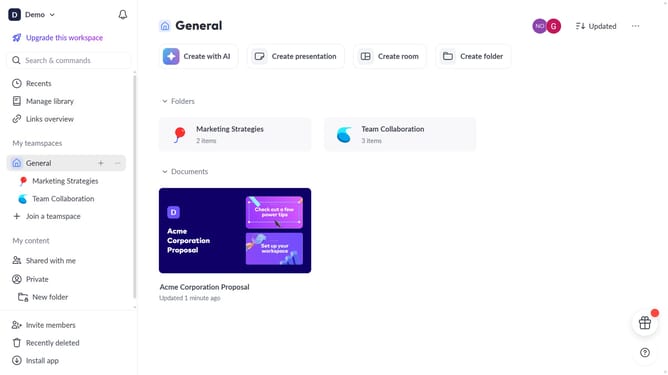
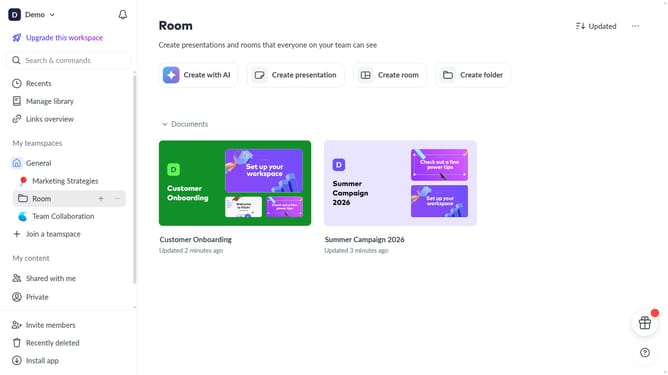
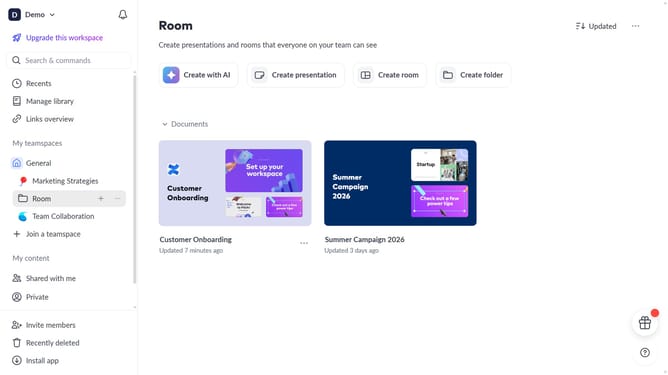
- First click the presentation you want to use
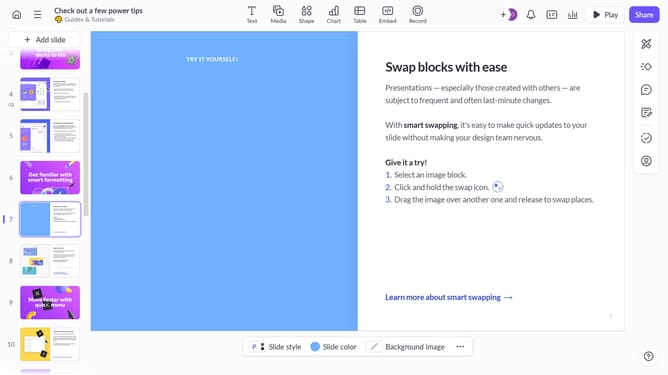
- Select the slide where you want to add speaker notes
- Then click on the speaker notes icon in the right sidebar
- Finally type your speaker notes directly in the panel
Why should you add presenter notes in Pitch
Pitch is a collaborative presentation software designed to make professional storytelling simple and dynamic.
The "Add Presenter Notes" feature in Pitch is a powerful tool designed to enhance your presentation delivery.
By adding notes, presenters can maintain a seamless flow, ensuring they cover all critical talking points effortlessly. This feature is particularly beneficial in reducing on-stage anxiety, as it provides a private cue system that keeps your presentation concise and impactful.
Utilizing presenter notes effectively can boost confidence, improve audience engagement, and elevate overall presentation performance.
Last update