How to filter workspace members by creator role in Pitch
Here is how to filter workspace members by creator role in pitch
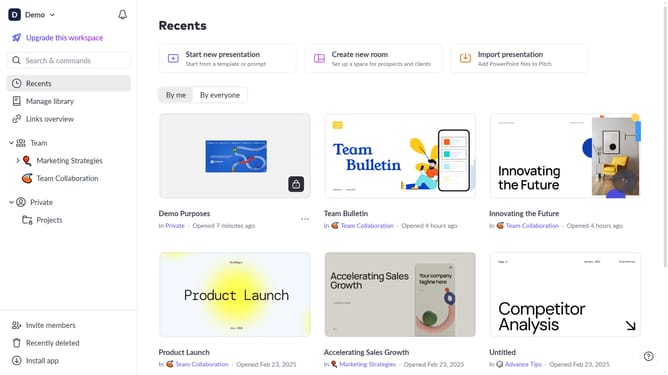
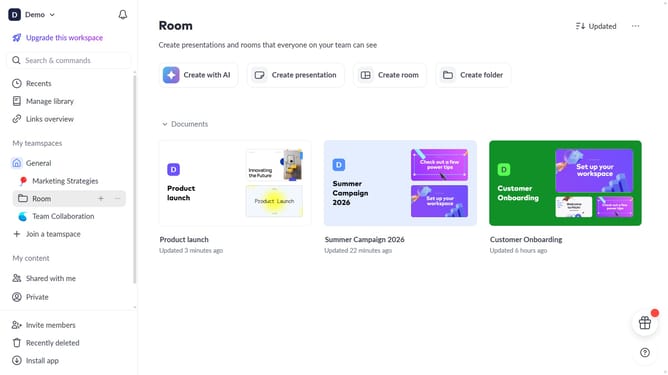
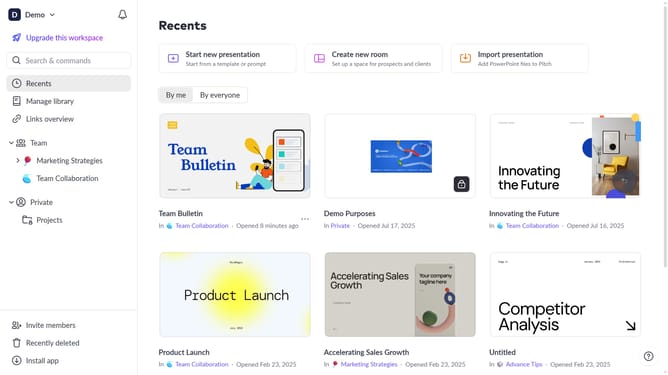
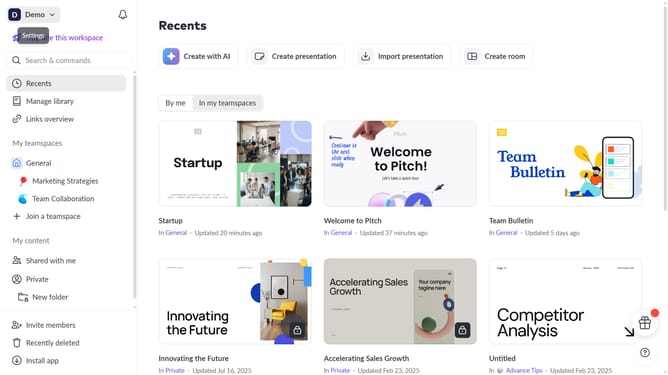
- First click on the downwards arrow next to your workspace name in the header
- Next, click on the "Members" option
- Click on the "Role" filter above the workspace members list
- Then select "Creator" from the role options
Why should you filter workspace members by creator role in Pitch
Pitch is a dynamic presentation platform designed to empower teams to create beautiful presentations collaboratively.
One standout feature in Pitch is the ability to filter workspace members by their creator roles. This allows you to effortlessly organize your team, enhancing collaborative workflows.
By utilizing this feature, you can quickly identify key contributors, streamline project management, and ensure the right individuals are engaged in relevant tasks.
This functionality promotes efficiency and clarity in team interactions, transforming how your presentations come to life.
Last update