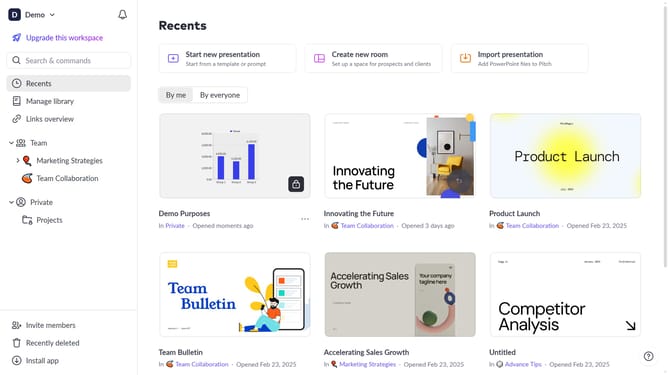
How to apply justified alignment to text in Pitch
Here is how to apply justified alignment to text in pitch
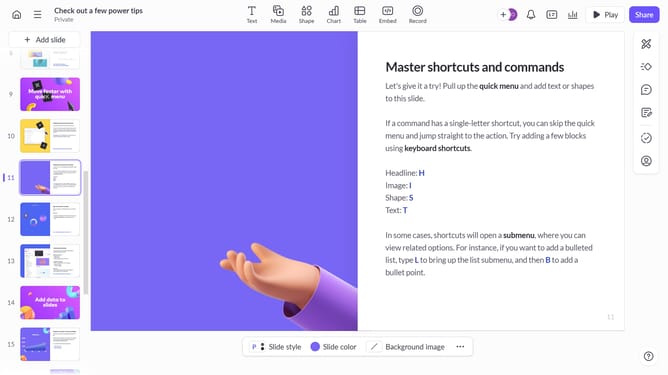
- First, open the presentation containing the text you want to edit
- From the left sidebar, select the slide containing the text
- Next, click on the text block to select it
- Click on the "More options" button in the toolbar that appears
- Locate the "Text alignment" option in the right sidebar
- Then, select the "Justify text" option
Why should you apply justified alignment to text in Pitch
Pitch is a dynamic platform designed to create stunning presentations effortlessly.
One useful feature in Pitch is the ability to apply justified alignment to your text.
This formatting option evenly distributes text across the width of a page, creating a clean, professional look that’s easy on the eyes.
Justified alignment ensures that your text appears neat and organized, enhancing readability and creating a uniform appearance, which is essential for making a lasting impression.
Last update