How to use AI to expand an image in portrait mode on Pitch
Here is how to use ai to expand an image in portrait mode on pitch
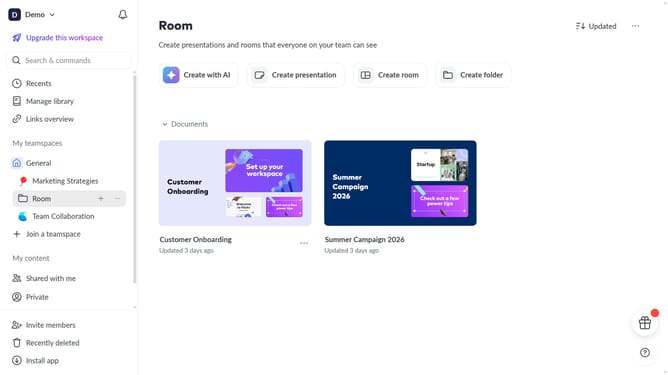
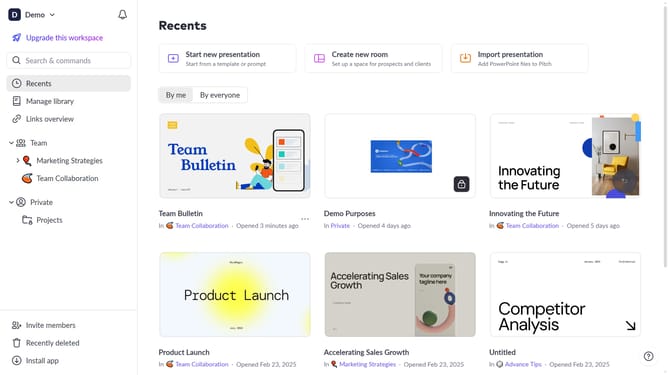
- First, open the presentation containing the image you want to edit
- Next, select the slide containing the image from the left sidebar
- Then, click on the image to select it
- After that, click on "Edit with AI" in the toolbar that appears
- Then, select "Expand image" from the AI actions menu
- Finally, select the "Portrait (2:3)" option
Why should you use AI to expand an image in portrait mode on Pitch
Pitch is a dynamic platform that redefines how teams create and share presentations.
With the innovative AI feature, expanding images in portrait mode becomes a breeze. This feature smartly adjusts images to fit diverse layout needs, maintaining visual integrity while enhancing the presentation's aesthetic.
Using AI for image expansion not only saves time but also ensures consistency across slides, allowing for a seamless design experience. It empowers users to focus on crafting compelling content without worrying about technical adjustments.
Last update