How to create a template from an existing presentation on Pitch
Here is how to create a template from an existing presentation on pitch
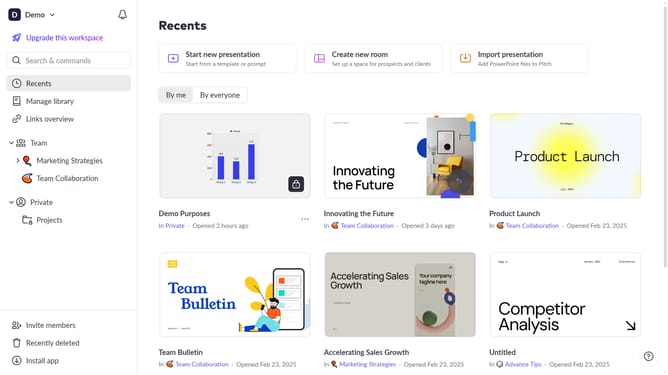
- First locate the presentation you want to convert into a template
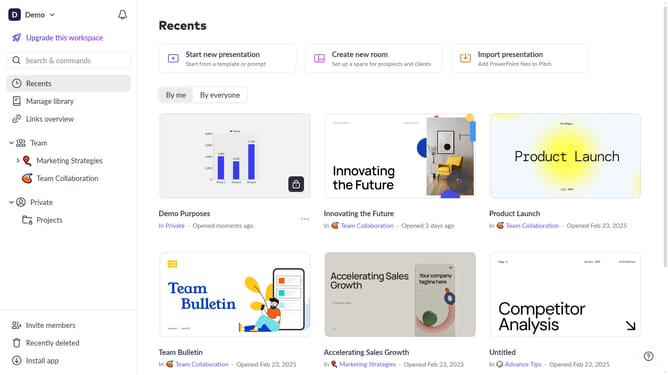
- Hover over the template and click the "Options" button (three dots)
- Next, select "Convert to template" from the dropdown menu
- Then, enter a name for the template
- Finally, click on the "Convert to template" button
- The presentation has been successfully converted into a template
Why should you create a template from an existing presentation on Pitch
Pitch is an innovative platform designed to transform your presentation experience with efficiency and creativity.
Creating a template from an existing presentation on Pitch empowers you with the ability to streamline your workflow. By repurposing existing content, you save time and maintain a consistent look across projects.
This feature not only enhances productivity but also ensures that your presentations are polished and professional, catering to your unique branding requirements. Embrace the simplicity of design and consistency with this powerful tool on Pitch.
Last update