How to edit your brand tone on Pitch
Here is how to edit your brand tone on pitch
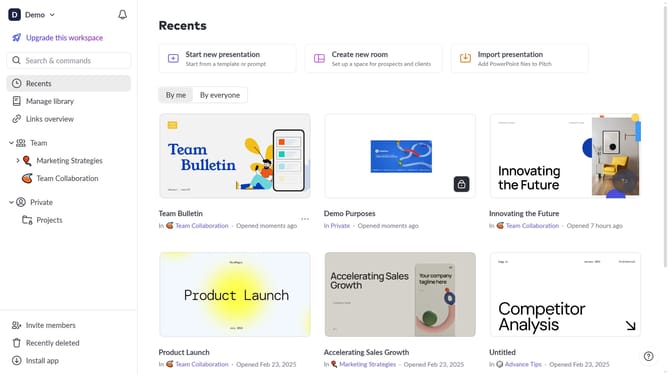
- First click on "Manage library" from the dashboard
- Next, click on "Brand tone" in the sidebar
- After that, click on "Edit brand tone" button
- Then update your brand tone guidelines as needed
- Finally click on "Publish changes" button
Why should you edit your brand tone on Pitch
Pitch is an intuitive platform for creating stunning presentations.
With the ability to edit your brand tone on Pitch, you can ensure that your presentations align perfectly with your company’s voice and messaging.
This feature allows you to seamlessly convey your brand's personality, which helps in establishing an emotional connection with your audience.
Using this feature enriches your brand consistency across all presentations, resulting in a more cohesive and professional look.
Last update