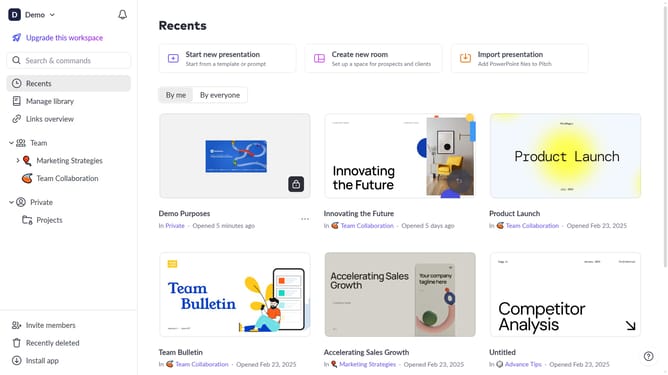
How to add an animation to a block on Pitch
Here is how to add an animation to a block on pitch
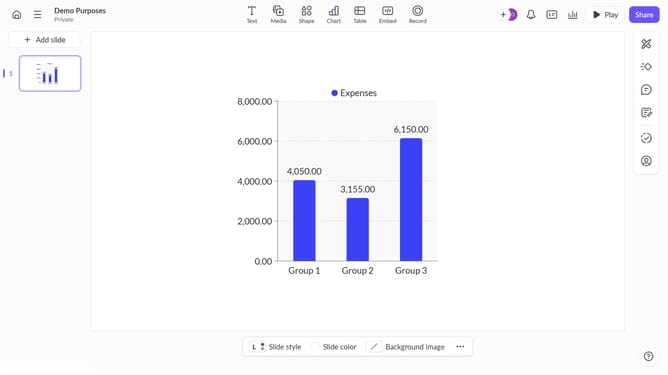
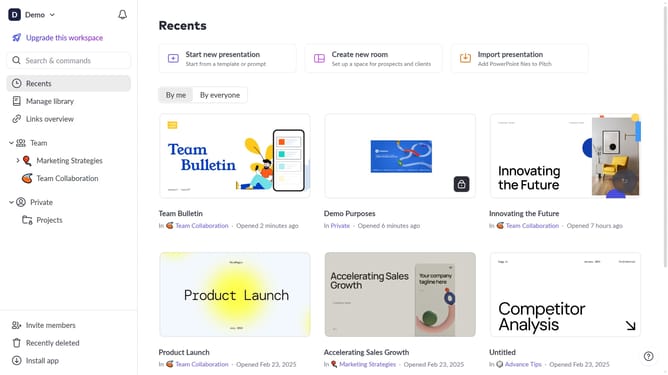
- First, open the presentation containing the block you want to animate
- Select the slide containing the block from the left sidebar
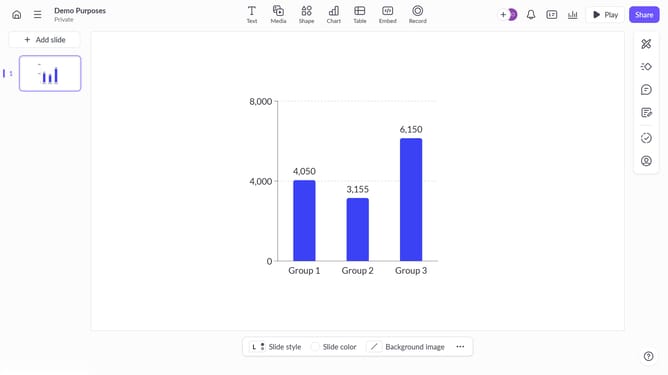
- Next, click on the block you want to animate to select it
- In the right sidebar, click on the Animate icon
- Then, select the "Enter" or "Exit" tab depending on the animation type you want to apply
- Finally, select the desired animation from the list
Why should you add an animation to a block on Pitch
Pitch is an innovative platform designed to elevate presentations, making them more engaging and impactful.
The "Add Animation" feature on Pitch brings your content to life by introducing dynamic elements to your presentation blocks.
Implementing animations can capture your audience's attention, enhance visual storytelling, and emphasize key information.
These fluid transitions make your ideas not only visible but memorable, transforming your presentation into a captivating experience.
Last update