How to hide scale labels in a chart in Pitch
Here is how to hide scale labels in a chart in pitch
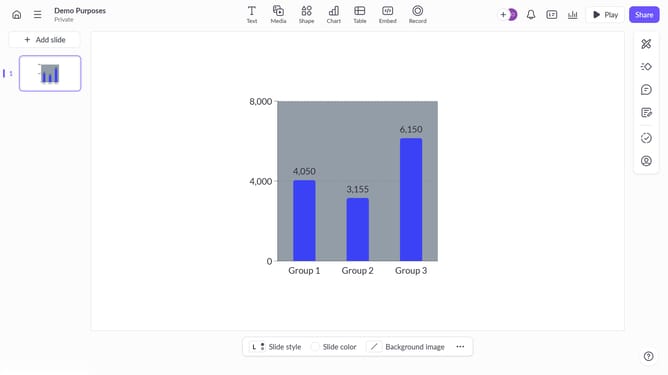
- First click on the chart area to select the graph
- Then click on the "More options" button (three dots) in the chart toolbar
- Finally toggle off the "Scale labels" option under axis settings to hide the labels
Why should you hide scale labels in a chart in Pitch
Pitch is an innovative platform designed to transform ideas into engaging presentations with ease.
The option to hide scale labels in a chart in Pitch allows for a cleaner, more focused visual presentation. By removing these elements, charts appear less cluttered, directing the audience’s attention directly to the data itself.
This feature enhances the overall aesthetics, making the information more digestible and impactful. It's perfect for scenarios where visual simplicity and data emphasis are key for effective communication.
Last update