How to delete a chart in Pitch
Here is how to delete a chart in pitch
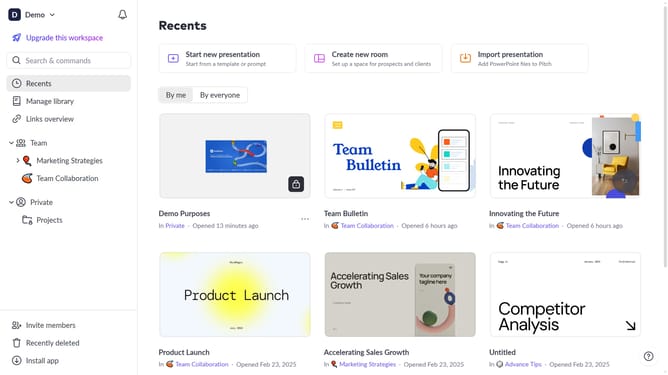
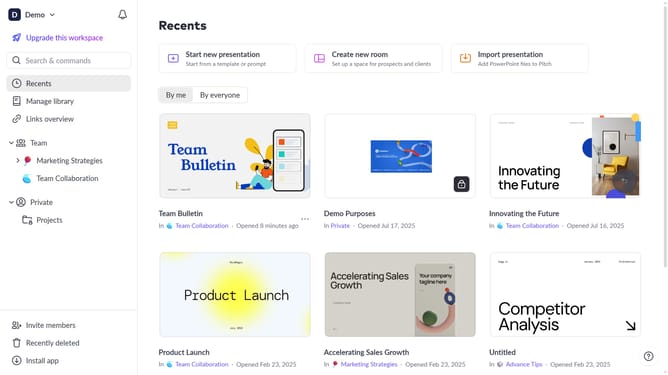
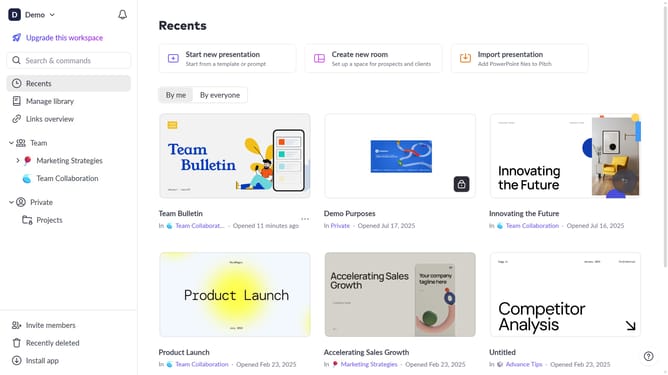
- First click the presentation that contains the chart you want to delete
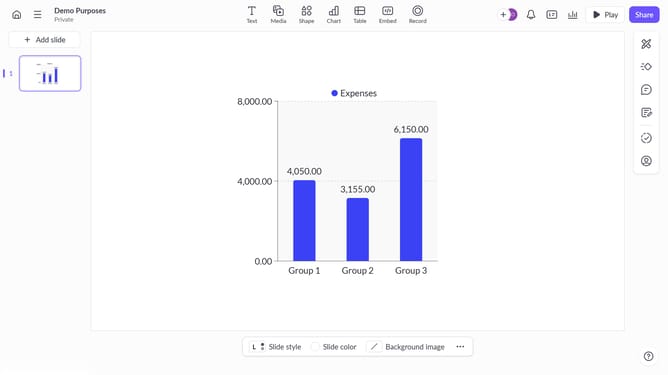
- Then right click the chart to select it
- Finally click on "Delete" option in the context menu to remove the selected chart
Why should you delete a chart in Pitch
Pitch is a dynamic presentation tool designed for seamless collaboration and creativity.
One of its stellar features is the ability to delete a chart effortlessly, ensuring your slides remain focused and relevant.
This feature comes in handy when data changes or when decluttering presentations for a clearer narrative. By removing outdated charts, you maintain a visually appealing and streamlined presentation.
This flexibility not only enhances communication but also keeps your team aligned with the most accurate information.
Last update