How to customize a room's appearance in Pitch
Here is how to customize a room's appearance in pitch
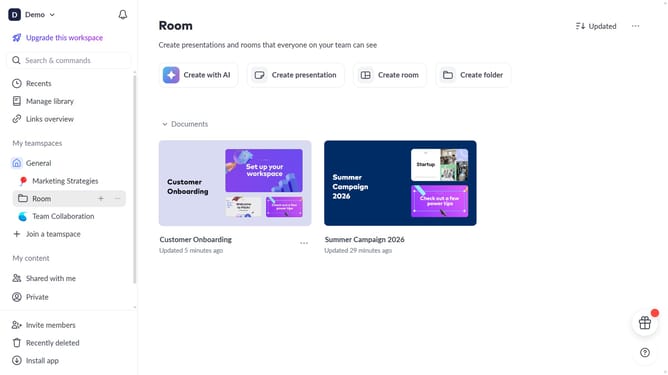
- First, open the room you want to customize
- Next, click the paint can button in the top right of your room
- Then customize the room's appearance by changing the accent color, background color, or other available appearance settings
Why should you customize a room's appearance in Pitch
Pitch is an innovative tool designed to enhance communication and collaboration through visually stunning presentations.
Customizing a room's appearance in Pitch allows you to bring your creative vision to life. With options to change colors, layouts, and themes, you can tailor your environment to perfectly match your brand or mood.
This feature empowers users to create immersive experiences, making interactions feel more personal and engaging. By making the space your own, you enhance not just the visuals, but also the overall impact and effectiveness of your presentations.
The ability to customize rooms encourages creativity and fosters a sense of ownership, ultimately leading to more productive and inspiring work sessions.
Last update