How to remove a hyperlink from an image on Pitch
Here is how to remove a hyperlink from an image on pitch
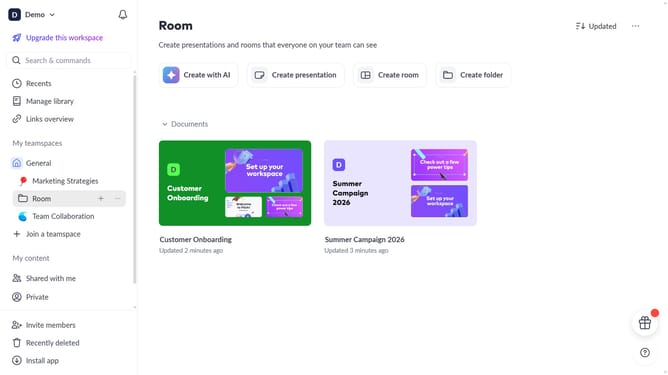
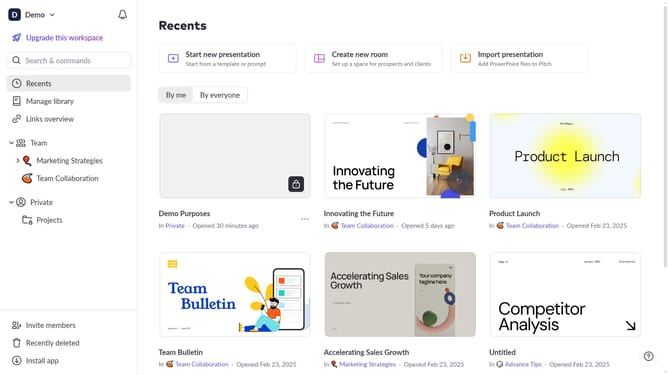
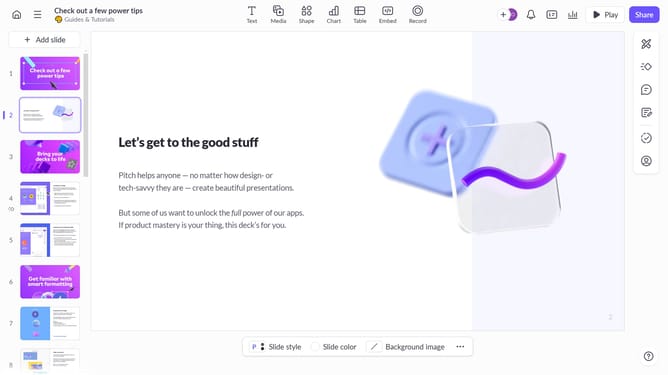
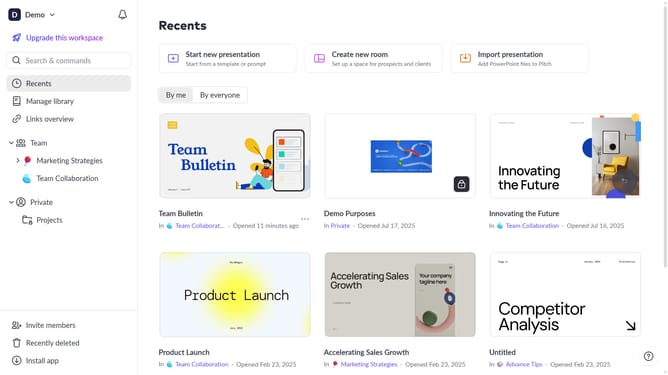
- First, open the presentation you want to edit
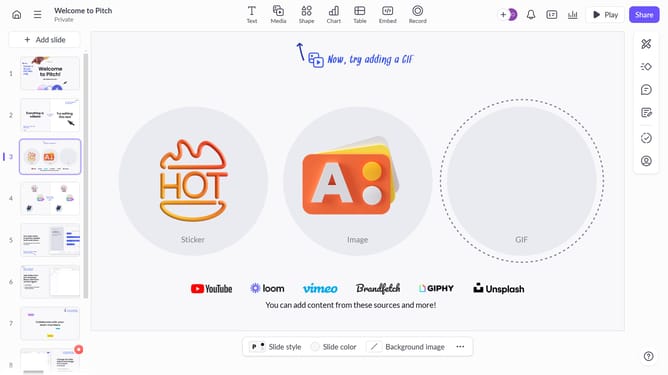
- From the left sidebar, select the slide containing the image
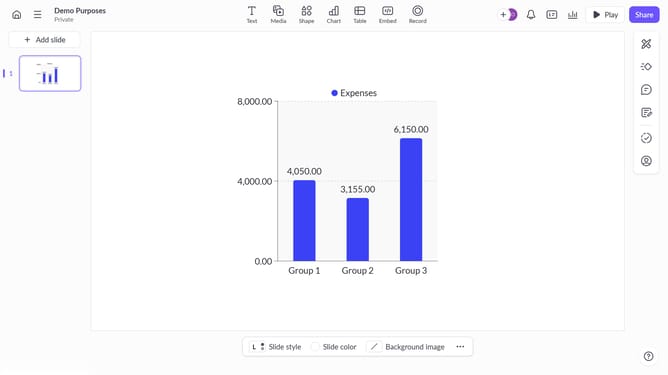
- Next, select the image whose hyperlink you want to remove
- After that, click on "Design" to open the right sidebar
- Then, locate the "Link" option in the right sidebar
- Finally, remove the existing URL from the link field
Why should you How to remove a hyperlink from an image on Pitch
Pitch is a dynamic platform designed to streamline the creation and sharing of presentations.
In Pitch, removing a hyperlink from an image is a feature that enhances the professional quality of your presentations.
Unlinking images can prevent accidental clicks, keeping your audience focused on the content rather than being redirected unexpectedly.
This simple adjustment contributes to a more seamless and controlled presentation flow, ensuring your message is delivered effectively.
Last update