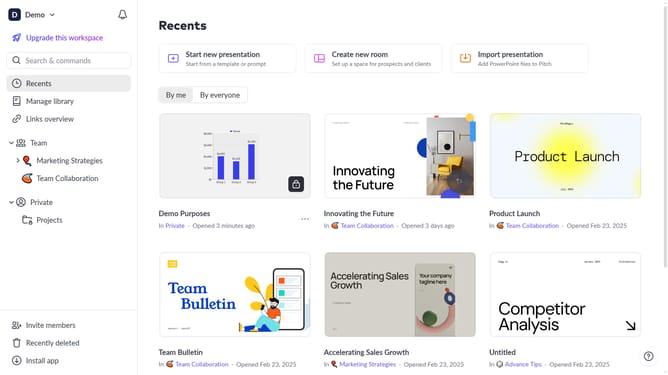
How to change the size of a chart in Pitch
Here is how to change the size of a chart in pitch
- First click the presentation that contains the chart you want to resize
- Then click the chart to select it
- Next drag any corner handle of the chart to adjust its size
- Then release the mouse once you reach the desired size
Why should you change the size of a chart in Pitch
Pitch is a dynamic presentation platform designed to empower users with captivating, collaborative storytelling tools.
Changing the size of a chart in Pitch is a simple yet powerful feature that enhances the clarity and impact of your presentations.
By resizing charts, you can emphasize critical data, ensuring that your audience easily grasps key insights.
This flexibility in chart sizing helps tailor your visual story to diverse audiences, making each presentation uniquely effective and engaging.
Last update