How to create a stacked area chart in Pitch
Here is how to create a stacked area chart in pitch
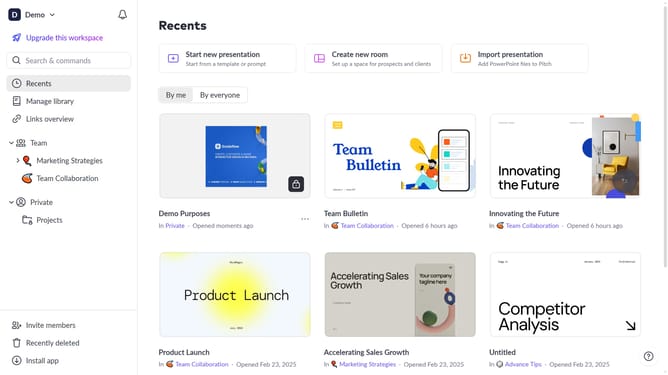
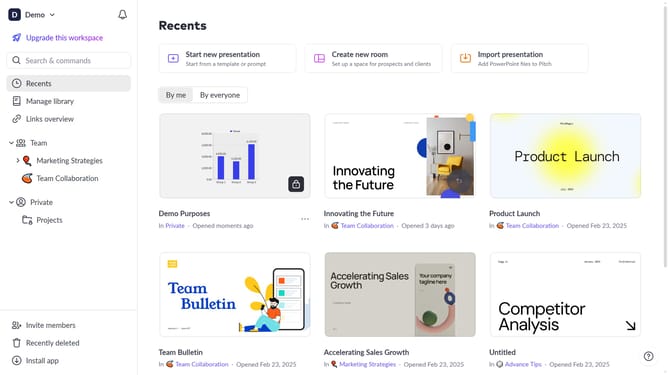
- First click the presentation you want to add a chart
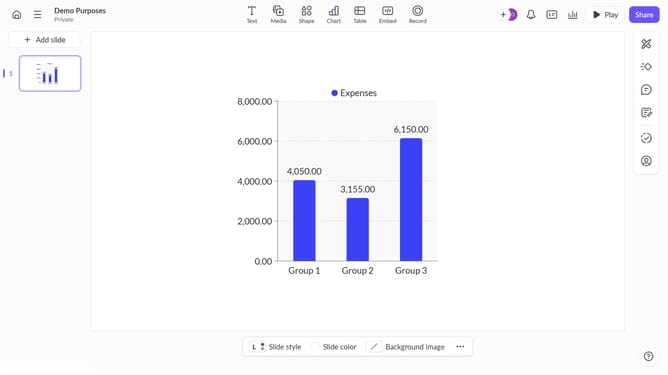
- Then click on the "Chart" icon in the top toolbar
- Next select the stacked area chart type from the "Column & bar charts" section
- Finally customize the chart's colors, labels, and layout as needed
Why should you create a stacked area chart in Pitch
Pitch is a collaborative presentation platform designed to make any message stand out with targeted visual storytelling.
Creating a stacked area chart in Pitch is a streamlined process that enhances data visualization by showcasing cumulative data over time. This feature allows users to present trends clearly, enabling audiences to comprehend complex data at a glance.
By utilizing stacked area charts, teams can efficiently highlight growth, compare categories, and make informed decisions. The intuitive nature of Pitch ensures presentations remain engaging and insightful.
Last update