How to apply center alignment to text in Pitch
Here is how to apply center alignment to text in pitch
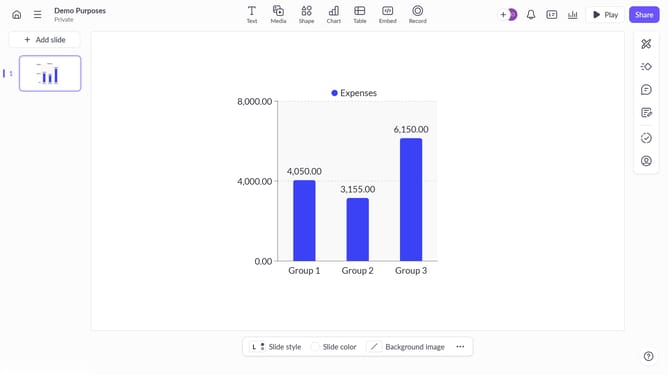
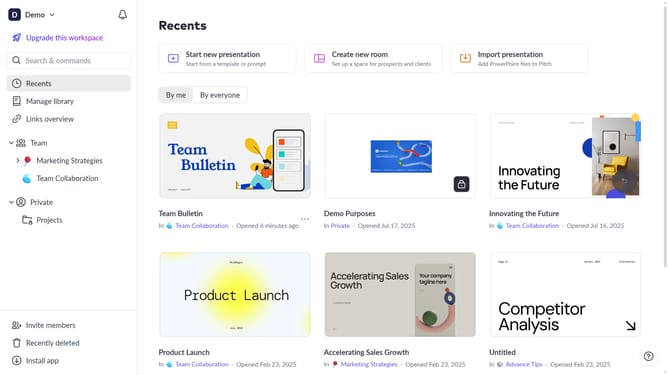
- First, open the presentation containing the text you want to edit
- From the left sidebar, select the slide containing the text
- Next, click on the text block to select it
- Click on the "More options" button in the toolbar that appears
- Locate the "Text alignment" option in the right sidebar
- Then, select the "Center text" alignment option
Why should you apply center alignment to text in Pitch
Pitch is a dynamic platform designed for seamless presentation creation and collaboration.
Center aligning text in Pitch enhances the visual symmetry of your slides, providing a balanced and professional appearance. This feature allows you to create a focal point, drawing attention and ensuring that key messages are easily digestible.
Utilizing center alignment in your presentations fosters engagement by making information more aesthetically pleasing and consistently formatted. This easy-to-implement feature can transform the appeal of your content, leaving a lasting impression on your audience.
Last update