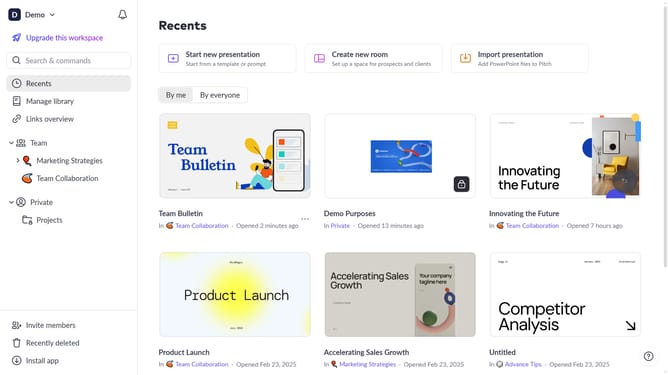
How to copy the link to a template on Pitch
Here is how to copy the link to a template on pitch
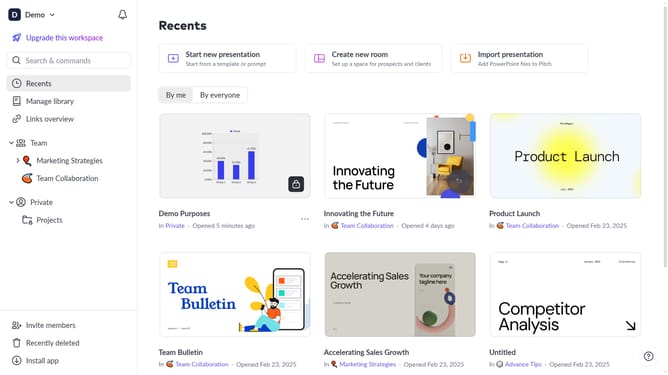
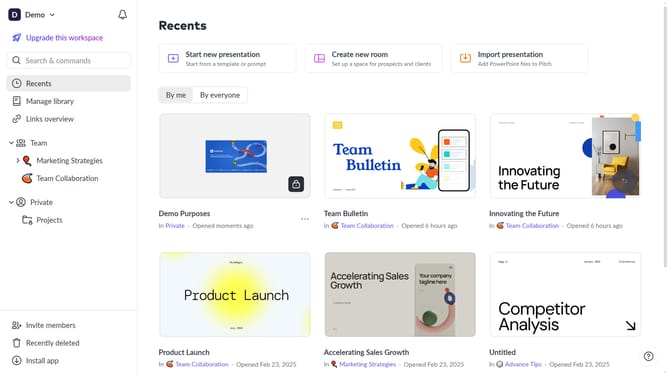
- First click on the "Manage library" from the dashboard
- Next, click on "Templates" in the sidebar
- Locate the template whose link you want to copy
- Then hover over the template and click the "Options" button (three dots)
- Finally select "Copy link" from the dropdown menu
Why should you copy the link to a template on Pitch
Pitch is designed to revolutionize your presentation-making process, enabling you to create professional slides effortlessly.
One standout feature is the ability to quickly copy the link to a template on Pitch, offering seamless collaboration and sharing.
By sharing template links, you can instantly provide colleagues or collaborators access to ready-to-edit slide designs, promoting efficiency.
This feature not only saves time but also ensures consistency across different presentations, enhancing team creativity and output.
Last update