How to hide a slide in Pitch
Here is how to hide a slide in pitch
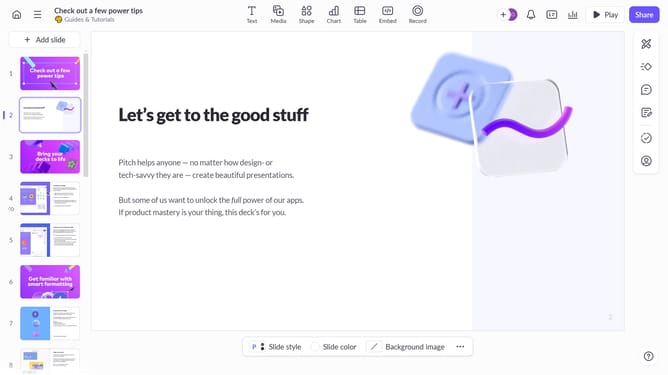
- First click the presentation that contains the slide you want to hide
- Then right-click the slide you want to hide from the slide list in the left sidebar
- Finally click the "Skip slide" option from the context menu to exclude it from presentation mode
Why should you hide a slide in Pitch
Pitch is a dynamic platform designed to revolutionize presentations with creativity and efficiency.
The "hide a slide" feature in Pitch allows users to enhance their slide decks by selectively concealing slides. This fosters streamlined presentations, ensuring only critical information is shared.
Using this feature allows you to tailor presentations for different audiences without needing multiple versions. Additionally, it maintains the structure of your original deck, facilitating future revisions and collaborations.
Last update