How to change the hyperlink of an image on Pitch
Here is how to change the hyperlink of an image on pitch
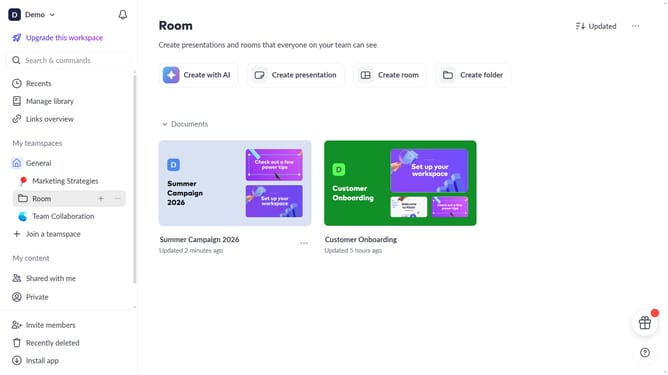
- First, open the presentation you want to edit
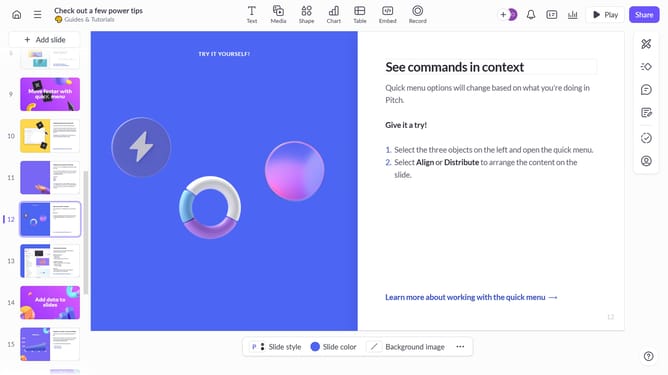
- From the left sidebar, select the slide containing the image
- Next, select the image whose hyperlink you want to change
- After that, click on "Design" to open the right sidebar
- Then, locate the "Link" option in the right sidebar
- Finally, replace the existing URL with the new URL
Why should you How to change the hyperlink of an image on Pitch
Pitch is a dynamic presentation platform designed to take your ideas from concept to stunning slides with ease.
One of its standout features is the ability to change the hyperlink of an image effortlessly. This feature allows seamless updates to linked resources, ensuring your presentation remains relevant and engaging.
Embedding a hyperlink in an image not only enhances interactivity but also directs your audience to additional content, maximizing the impact and functionality of your slides.
Ultimately, this feature fosters a more integrated presentation experience, captivating audiences and expanding the reach of your message.
Last update