How to apply the Continuity transition to a slide in Pitch
Here is how to apply the continuity transition to a slide in pitch
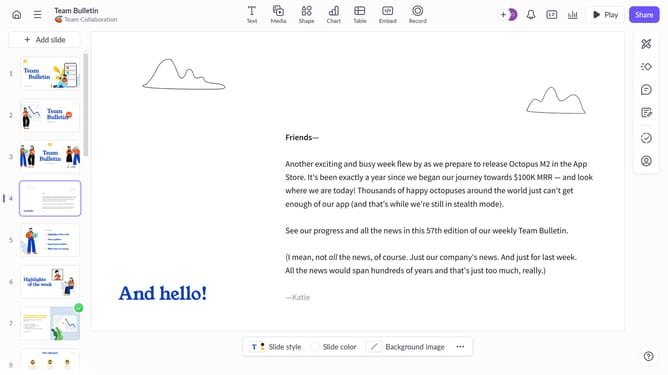
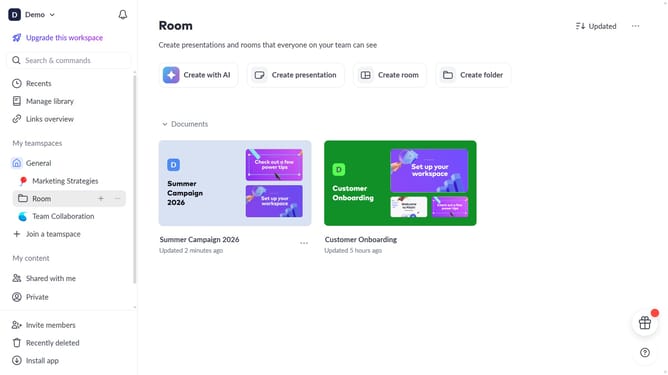
- First, click the presentation that contains the slide you want to add a transition to
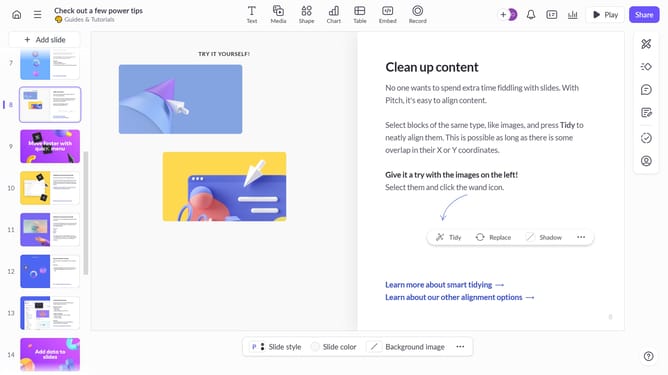
- Next, click the slide from the left sidebar to select it
- Click on the "Animate" button on the right sidebar
- Then select the "Continuity" option in the Slide transition panel
Why should you apply the Continuity transition to a slide in Pitch
Pitch is a dynamic presentation platform crafted to enhance creativity and collaboration.
The Continuity transition feature in Pitch ensures that your slides flow smoothly, offering a seamless visual experience. This transition helps retain audience attention by creating a fluid narrative between your points.
By utilizing Continuity transitions, your presentations achieve a professional appearance that keeps viewers engaged and maintains the overarching story’s momentum. Each transition empowers your presentation to feel cohesive and polished.
Last update