How to edit your talking points in Pitch
Here is how to edit your talking points in pitch
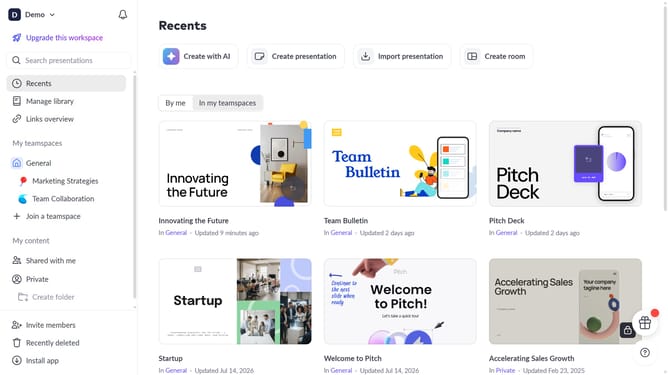
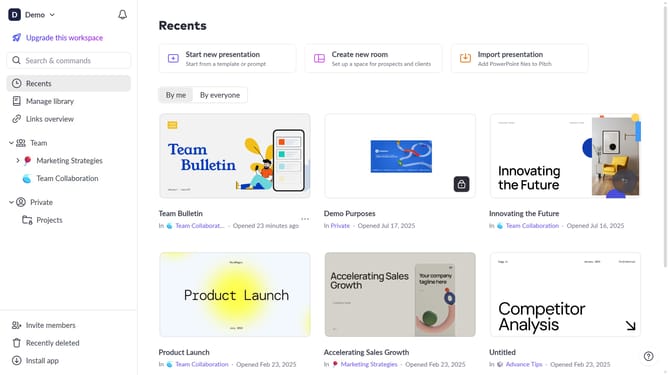
- First click the presentation you want to open
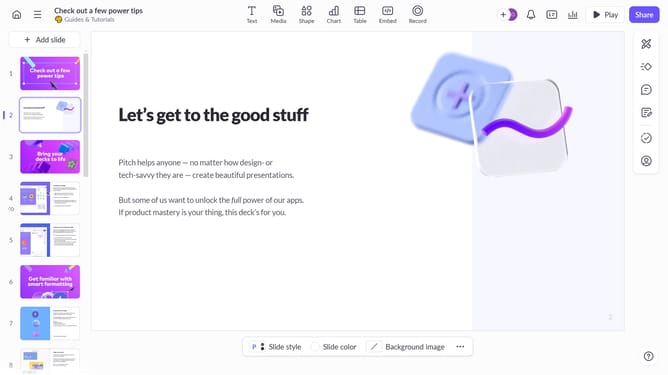
- Select the slide where you want to edit your speaker notes
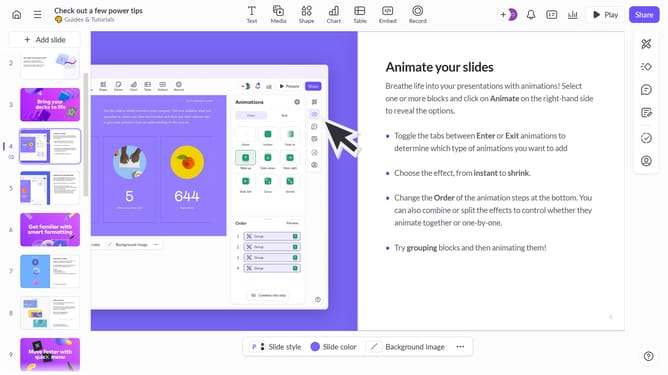
- Then click on the speaker notes icon in the right sidebar
- Finally click inside the panel and update your talking points as needed
Why should you edit your talking points in Pitch
Pitch is a dynamic platform that empowers users to create and refine presentations effortlessly.
Editing your talking points in Pitch is a simple yet powerful feature that enhances your presentation's clarity and impact.
This ability allows for seamless updates and improvements, ensuring your message is always relevant and compelling. Simplifying your process, it saves time and reduces stress by streamlining your workflow.
Embracing this feature can transform your presentations, making them more engaging and effective in capturing your audience's attention.
Last update