How to format your speaker notes in Pitch
Here is how to format your speaker notes in pitch
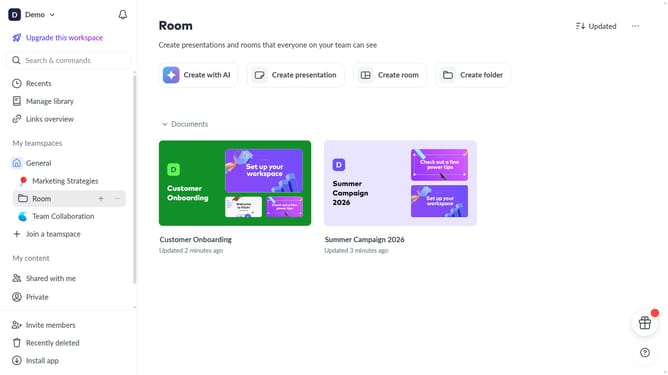
- First click the presentation you want to open
- Select the slide where you want to style your speaker notes
- Then click on the speaker notes icon in the right sidebar
- Highlight the text you want to format
- Finally use the formatting toolbar styles like "Bold", "Italic", and "Strikethrough" to format the desired notes as needed
Why should you format your speaker notes in Pitch
Pitch is a dynamic presentation software designed to craft captivating slides effortlessly.
When formatting your speaker notes in Pitch, you can seamlessly organize your points to ensure clarity and ease during presentations.
This feature enhances your ability to deliver presentations with confidence, offering structure and easy-to-follow content.
Using formatted speaker notes in Pitch helps maintain eye contact and smooth delivery, ultimately improving audience engagement.
Last update