How to filter workspace members by invited users in Pitch
Here is how to filter workspace members by invited users in pitch
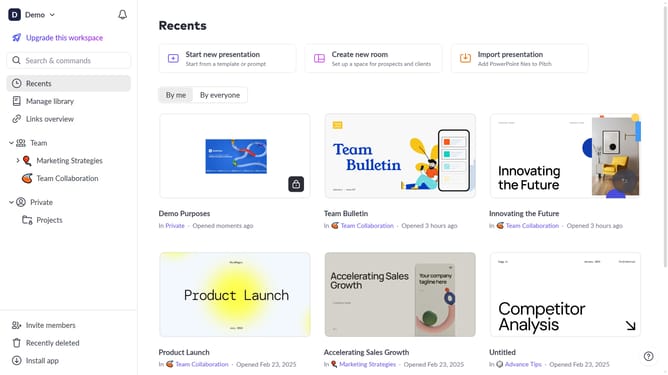
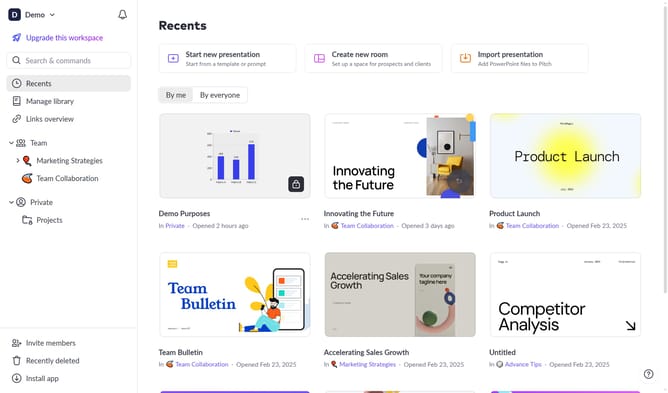
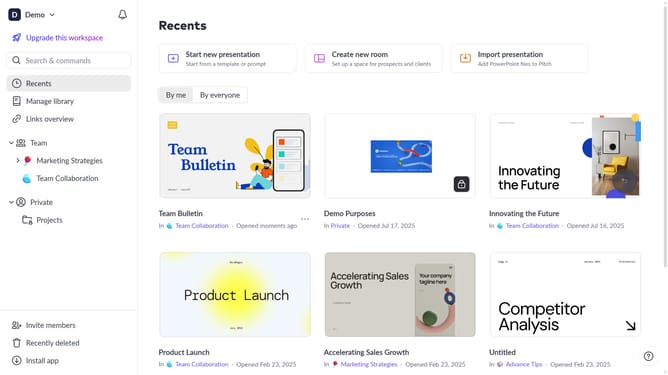
- First click on the downwards arrow next to your workspace name in the header
- Next, click on the "Members" option
- Click on the "Role" filter above the workspace members list
- Then select "Invited users" from the role options
Why should you filter workspace members by invited users in Pitch
Pitch is a dynamic tool designed to elevate collaborative presentation-making.
One standout feature is the ability to filter workspace members by invited users. This functionality empowers teams to quickly identify and organize contributors, streamlining project management.
By focusing on invited members, it ensures a more organized and coordinated workspace, enhancing productivity and fostering effective collaboration. This makes managing team dynamics simpler and more efficient.
Last update