How to enable email notifications when someone mentions you on Pitch
Here is how to enable email notifications when someone mentions you on pitch
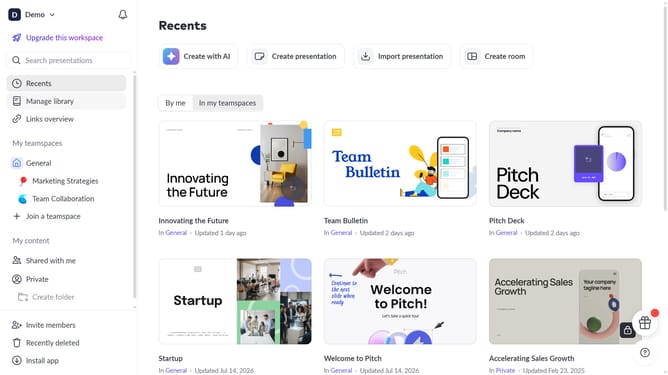
- First click on the dropdown next to your workspace name in the header
- Next, select "Account settings" in the expanded workspace menu
- Then, click on the arrow next to "Email preferences"
- Finally, turn on the toggle for "When someone mentions you"
Why should you enable email notifications when someone mentions you on Pitch
Pitch is a dynamic platform designed to revolutionize collaborative presentation creation.
Enabling email notifications when someone mentions you on Pitch ensures you never miss an important update or contribution.
With this feature, staying connected to your team's workflow becomes effortless, boosting both productivity and communication.
The benefits include enhanced awareness and timely responses, making collaboration more seamless and efficient.
Last update