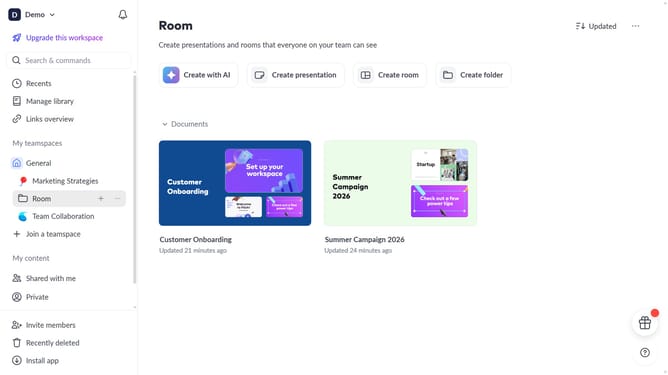
How to change the style of a text block in Pitch
Here is how to change the style of a text block in pitch
- First, open the presentation containing the text block you want to edit
- Next, select the slide containing the text block from the left sidebar
- Click on the text block to select it
- Click on the "More options" button in the toolbar that appears
- After that, locate the "Text style" option in the right sidebar
- Then click on the dropdown button
- Finally, select the desired text style from the available options
Why should you change the style of a text block in Pitch
Pitch is a dynamic presentation software designed to enhance collaboration and creativity.
Among its versatile features is the ability to effortlessly change the style of a text block, allowing you to align your presentation’s design with your unique vision.
This feature not only adds visual appeal but also ensures consistency in branding and messaging, helping your presentation to stand out and engage your audience effectively.
Enjoy seamless customization and a more professional look with just a few simple adjustments.
Last update