How to delete notes in Pitch
Here is how to delete notes in pitch
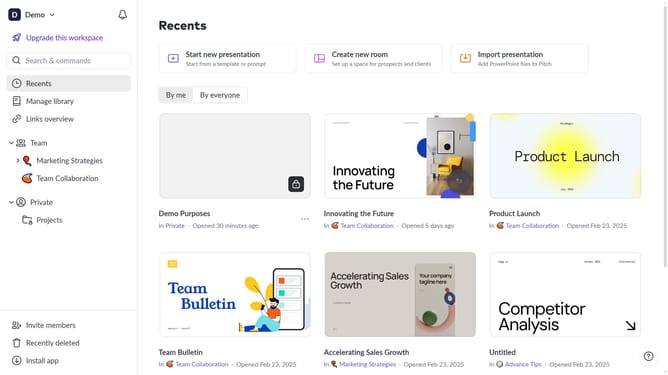
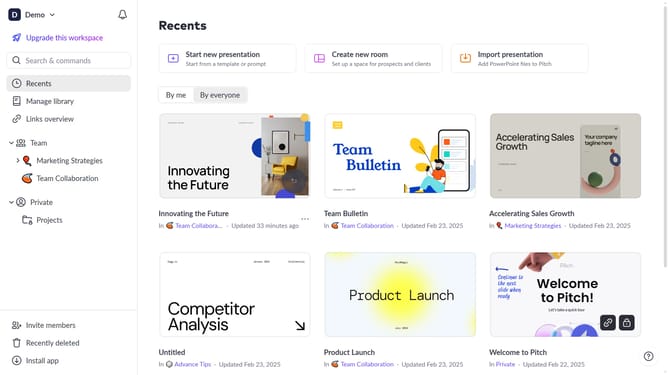
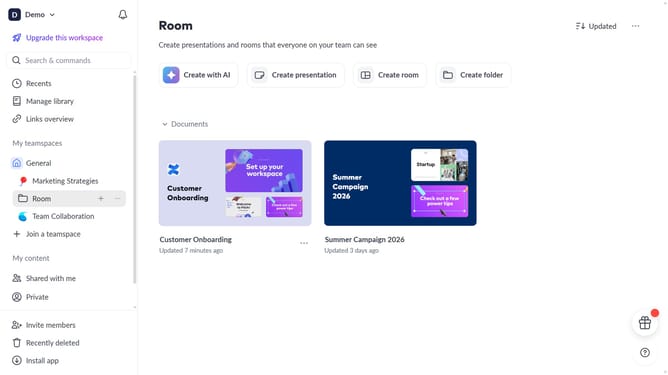
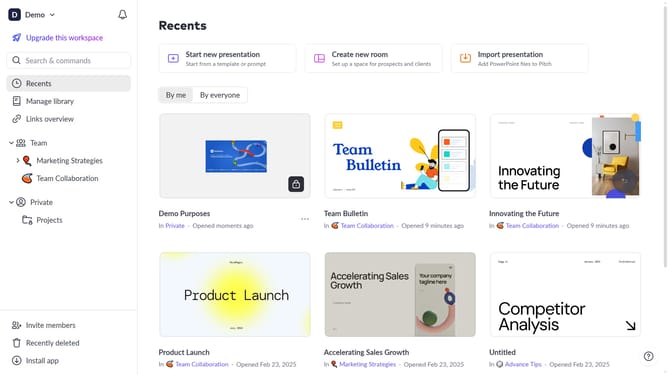
- First click the presentation you want to open
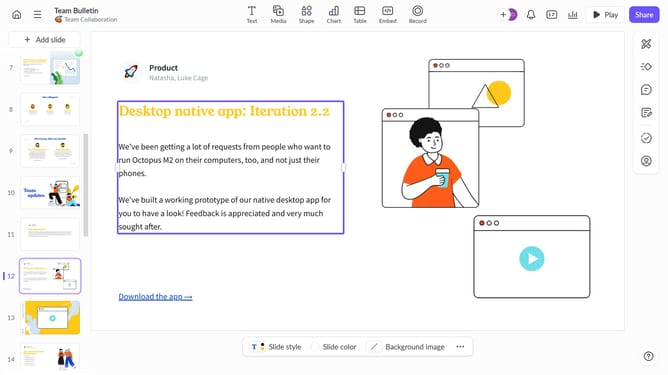
- Select the slide where you want to delete the speaker notes
- Then click on the speaker notes icon in the right sidebar
- Finally clear all content from the notes field
Why should you delete notes in Pitch
Pitch is your go-to platform for creating stunning, collaborative presentations with ease and precision.
One standout feature in Pitch is the ability to delete notes effortlessly, maintaining the focus of your presentation.
Deleting notes helps streamline your content, ensuring clarity and relevance for your audience. This feature empowers users to keep their workspace organized, leading to more impactful presentations.
Use this functionality to highlight essential information, enabling teammates to focus on your key message without unnecessary distractions.
Last update