How to view your workspace members in Pitch
Here is how to view your workspace members in pitch
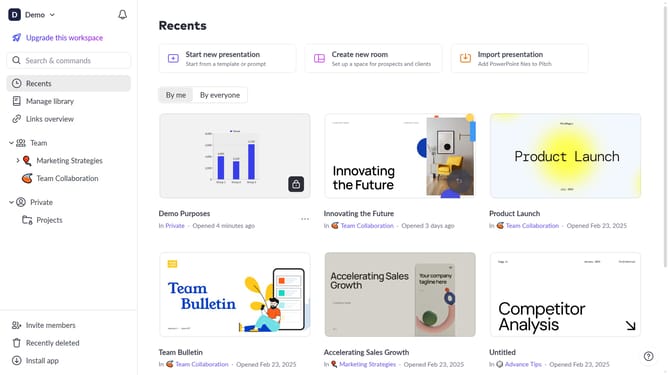
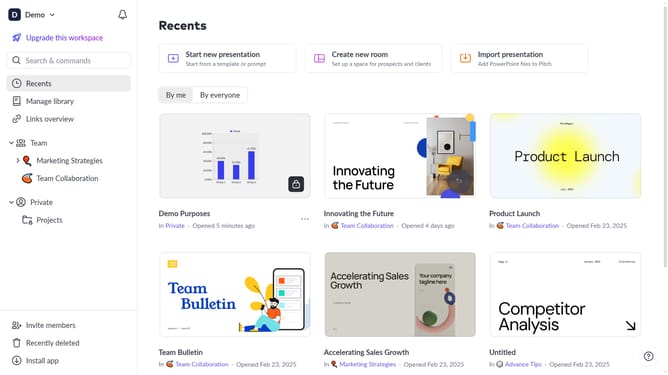
- First click on the downwards arrow next to your workspace name in the header
- Next, click on the "Members" option
- Then, you can now view all members in your workspace and their roles
Why should you view your workspace members in Pitch
Pitch is a dynamic platform designed to streamline collaboration through engaging presentation tools.
In Pitch, viewing your workspace members is an intuitive feature that enhances team synergy. Access to the list of members provides clarity on roles, ensuring everyone knows who is part of the project landscape.
Understanding your team makeup facilitates better communication and decision-making. This feature supports transparency and helps foster a collaborative environment where everyone stays informed and connected.
Last update