How to skip a slide on Pitch.com
Here is how to skip a slide on pitch.com
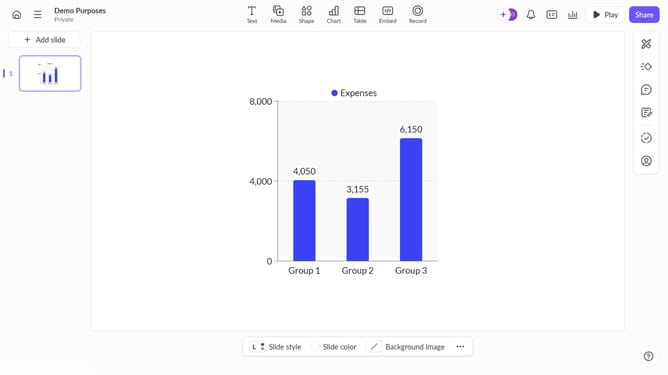
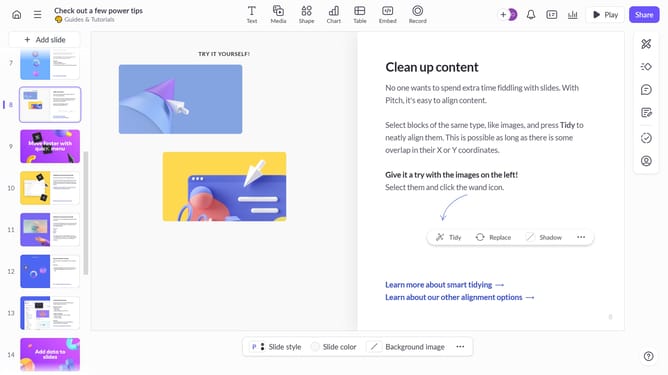
- First, open your presentation and navigate to the slide you want to skip
- Then right-click on the selected slide to open the context menu
- Next, click on the "Skip slide" option from the menu
- The slide will now be skipped during the presentation but will remain in the deck
Why should you skip a slide on Pitch.com
Pitch is an innovative platform designed to elevate collaborative presentations.
One standout feature is the ability to effortlessly skip slides, which is perfect for tailoring presentations specifically to your audience's interests.
This feature enhances the user experience by promoting a seamless flow, letting you highlight key points without interrupting the narrative progression.
Skipping slides ensures that your presentation remains engaging and relevant, maximizing impact and productivity during meetings and pitches.
Last update