How to replace your profile picture on Pitch
Here is how to replace your profile picture on pitch
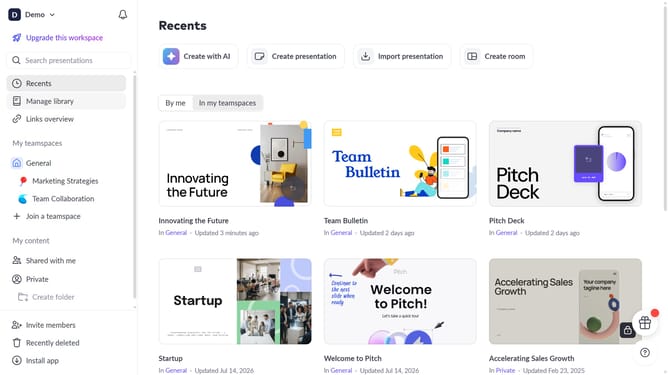
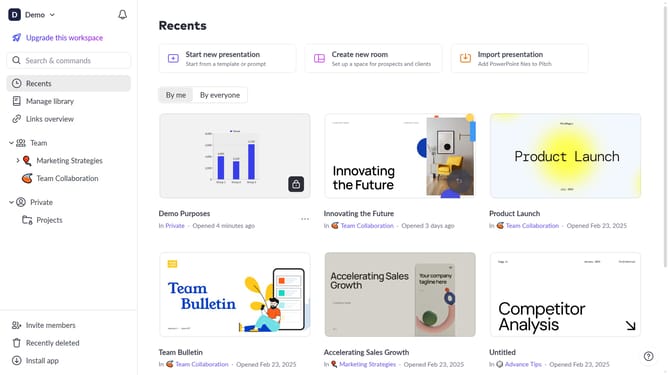
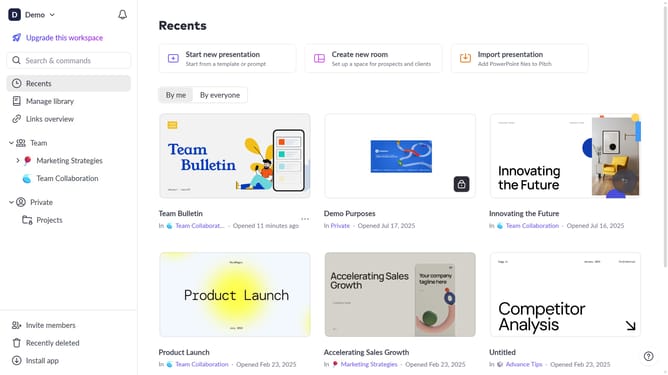
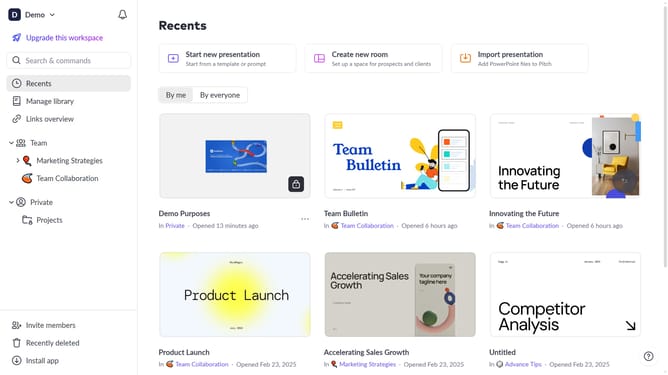
- First click on the dropdown next to your workspace name in the header
- Select "Account settings" in the expanded workspace menu
- In the "Account settings" modal, click on the arrow next to "Avatar"
- Then click on the "Upload new photo" button and select a new image from your device
- Finally click on the "Save changes" button
Why should you replace your profile picture on Pitch
Pitch is a versatile platform designed to streamline collaborative presentations for teams.
Utilizing the feature to replace your profile picture on Pitch enhances personalization and professionalism within the platform.
Having an updated and recognizable profile picture improves your digital presence, making collaborations more engaging and personable.
A refreshed profile picture can help with seamless identification, fostering better communication and team synergy.
Last update