How to create a copy of a template on Pitch
Here is how to create a copy of a template on pitch
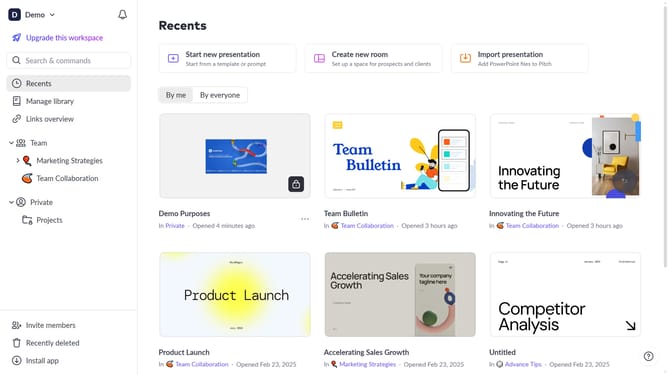
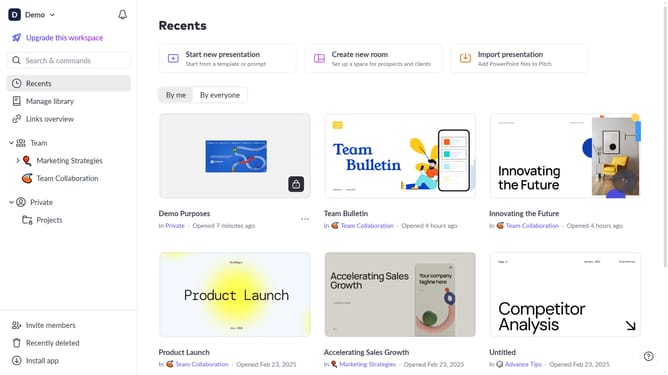
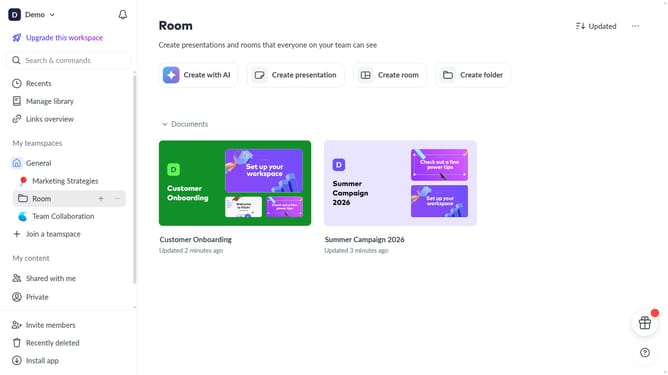
- First click on the "Manage library" from the dashboard
- Next, click on "Templates" in the sidebar
- Locate the template you want to duplicate
- Then hover over the template and click the "Options" button (three dots)
- Finally select "Duplicate" from the dropdown menu
Why should you create a copy of a template on Pitch
Pitch is a dynamic presentation software designed to streamline the creation and delivery of impactful presentations.
The feature of creating a copy of a template on Pitch empowers users to efficiently customize presentations without starting from scratch, saving both time and effort. By utilizing existing templates, users can maintain a consistent style and branding across projects, ensuring professionalism in every presentation.
This feature is particularly beneficial for teams who need to produce multiple presentations with similar content, allowing for seamless collaboration and iteration. It also simplifies the preparation process, enabling users to focus on refining content and messaging, rather than formatting.
Last update