How to create a pie chart in Pitch
Here is how to create a pie chart in pitch
- First click the presentation you want to add a chart
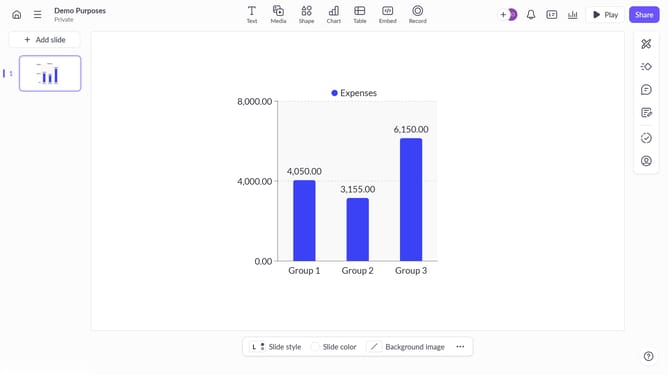
- Then click on the "Chart" icon in the top toolbar
- Next select the pie chart type from the "Column & bar charts" section
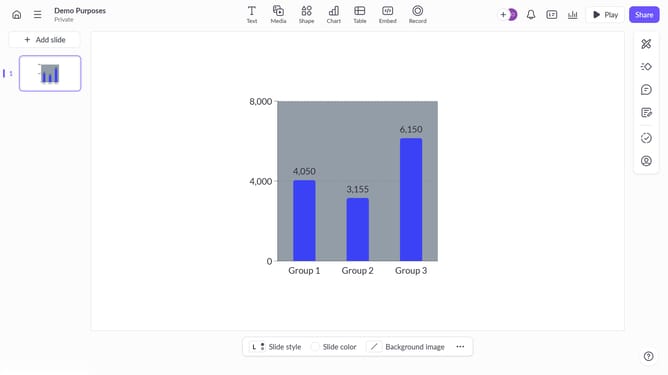
- Finally customize the chart's colors, labels, and layout as needed
Why should you create a pie chart in Pitch
Pitch is a dynamic platform designed to revolutionize presentations with ease and creativity.
Creating a pie chart in Pitch is a streamlined process that combines simplicity with design excellence. This feature allows users to visually represent data efficiently, making it easier to communicate complex information at a glance.
Using a pie chart in Pitch highlights key insights, helping viewers quickly understand proportions and relationships within data sets. This not only enhances engagement but also aids in decision-making by offering clear visual cues.
Overall, integrating pie charts into your Pitch presentation enriches content clarity, promotes enhanced comprehension, and optimizes audience interaction.
Last update