How to duplicate a template on Pitch
Here is how to duplicate a template on pitch
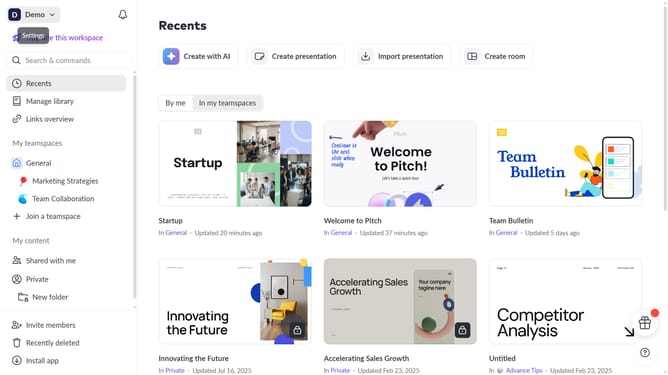
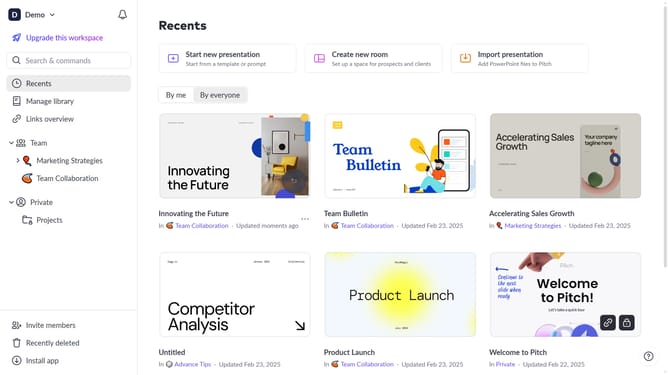
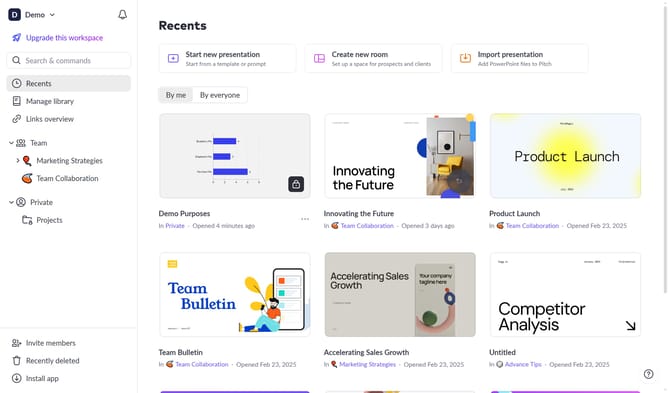
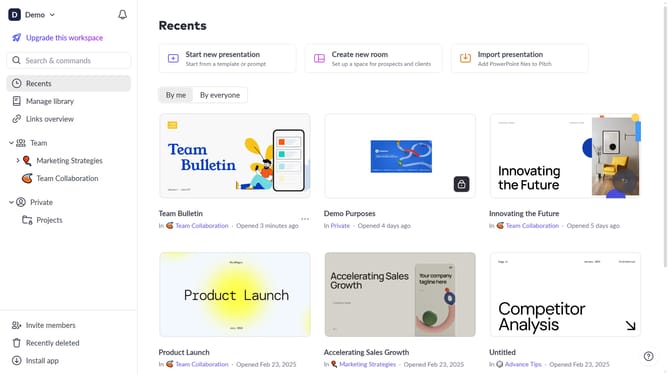
- First click on the "Manage library" from the dashboard
- Next, click on "Templates" in the sidebar
- Locate the template you want to duplicate
- Then hover over the template and click the "Options" button (three dots)
- Finally select "Duplicate" from the dropdown menu
Why should you duplicate a template on Pitch
Pitch is an innovative platform designed to elevate your presentation game effortlessly.
One standout feature is the ability to duplicate a template with ease. This functionality is perfect for users who want to maintain consistency across multiple presentations and save time on reformatting.
Duplicating templates allows users to quickly iterate on ideas while ensuring a cohesive visual style, making workflow more efficient. By embracing this feature, teams can focus more on content creation and collaboration, rather than design repetition.
Last update